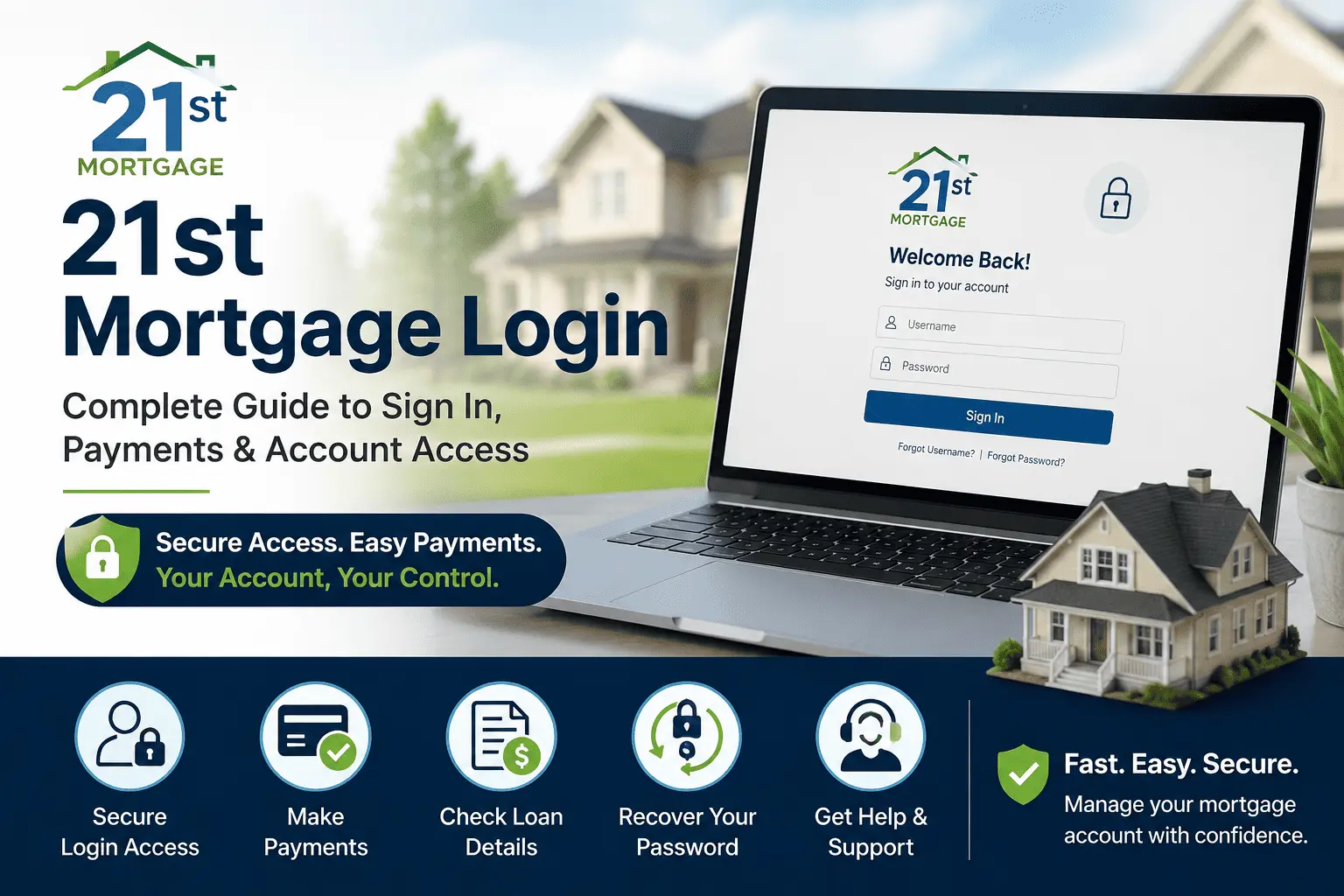
Master 21st Mortgage Login for Easy Payments and Account Control
Trying to log into your mortgage account can turn a five-minute task into a whole afternoon of frustration. Maybe your password stopped working overnight, or you landed on three different login pages and had no idea which one was actually yours. I ran into this exact mess while helping a friend check her manufactured home loan balance last month. It took us almost thirty minutes just to find the right page.
This guide fixes that problem for good. You will learn the full 21st Mortgage Login process, from picking the right portal to fixing common sign-in errors. By the end, you will know how to check your balance, make a payment, and reach a real person fast. No guesswork, no wasted afternoons.
What Is 21st Mortgage?
21st Mortgage Corporation started in Knoxville, Tennessee, back in 1995. The company began with a small team and grew into one of the largest lenders for manufactured and mobile homes in the country. Today, it has more than 800 employees and serves borrowers across the United States under NMLS number 2280.
Besides mobile home loans, 21st Mortgage also services home equity loans and auto loans for some customers. Before you use the 21st Mortgage Login page, it helps to know that this is a direct lender, not just a broker. That means your loan servicing, payments, and account details all live under one roof.
For a deeper look at rates and loan terms, check our full 21st Mortgage review. If you have questions about eligibility before you apply, you can also reach out at james@allthings-mortgage.com.
21st Mortgage Login Portals Explained
Most borrowers do not realize this sign-in process actually uses three separate systems. Using the wrong one is the top reason people get stuck. Here is a quick breakdown so you land on the right page the first time.
Borrower/Payment Portal
If you are a homeowner making payments, you will use 21stmortgageonline.com. This is the main 21st Mortgage payment portal, and it is where most account holders check balances, view statements, and set up automatic payments. You will need your loan number and the email address on file. This portal also shows your payoff quote and tax documents once you sign in. Bookmark this page so you always land on the correct login screen without searching every time.
Retailer & Dealer Portal (Access 21st)
Retailers, dealers, and mortgage brokers use a different system called Access 21st, found at access21st.com. This portal handles inventory financing, dealer applications, and wholesale account tools. It is not meant for regular borrowers checking their own mortgage. If you are a homeowner and land here by mistake, go back and search for the borrower portal instead.
Loan Application Portal
If you are still applying for a loan, you will sign in through idp.21stmortgage.com. This system tracks your application status, document uploads, and underwriting updates. Once your loan closes, your account moves over to the regular payment portal. Similar to how the CMG Mortgage login system separates application access from payment access, 21st Mortgage keeps these two steps apart for security.
What You’ll Need Before You Log In
Before you start the 21st Mortgage Login steps, gather a few basic items. Having these ready saves you from stopping halfway through.
- Your 21st Mortgage loan or account number
- The email address linked to your account
- A phone number for two-factor verification codes
- An updated web browser, such as Chrome, Firefox, or Edge
- Your Social Security number, only needed for first-time registration
Once you have these on hand, signing in takes less than two minutes.
How to Login to Your 21st Mortgage Account (Step-by-Step)
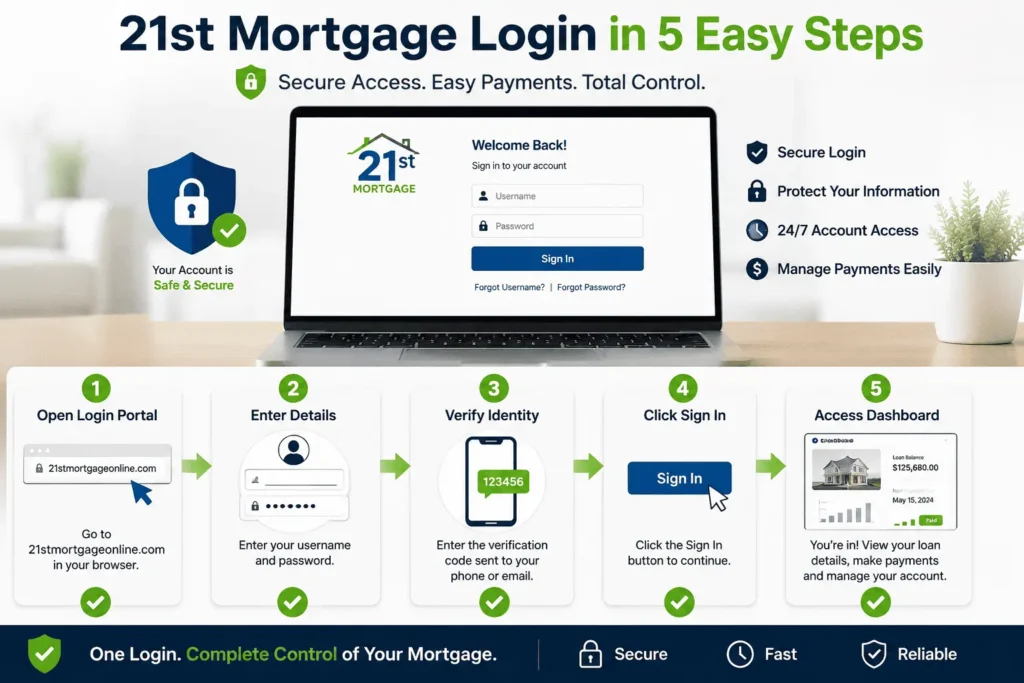
Signing in is simple once you are on the right page. Follow these steps in order.
- Go to 21stmortgageonline.com in your browser.
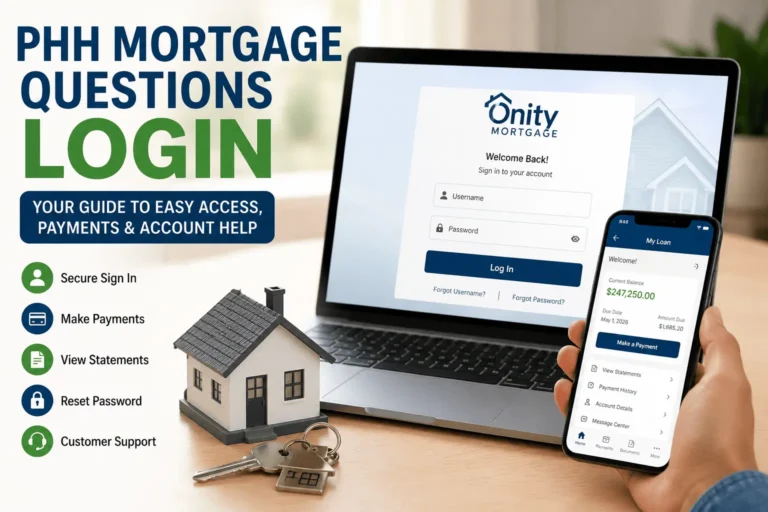
- Click the “Sign In” or “Access Your Account” button.
- Enter your username and password exactly as you set them up.
- Complete the two-factor code if your account has this turned on.
- Click submit to reach your dashboard.
Your dashboard shows your loan balance, payment history, and due date right away. If your login screen looks different from what you remember, do not panic. 21st Mortgage occasionally updates its site design, but your login credentials stay the same. Just look for the same “Sign In” wording near the top of the page.
How to Register a New Account
If you have never signed in before, you will need to register first. Click “Register” or “Create Account” on the borrower portal homepage.
You will be asked for your loan number, last name, and the email address 21st Mortgage has on file. After entering these, the system sends a verification code to your email or phone. Enter that code, then choose a username and a strong password. Mix in a number and a symbol to keep the account secure.
Once registration finishes, you land straight on your account dashboard. From here, you can update your contact details or turn on paperless statements right away.
Registration usually takes under five minutes for most people. Keep your loan documents nearby just in case the system asks a security question you do not remember offhand.
Forgot Username or Password? Recovery Steps
Locked out of your 21st Mortgage Login? This happens more often than you think, and it is an easy fix.
For a forgotten password, click “Forgot Password” on the sign-in page. Enter your username or the email tied to your account. A reset link arrives within a few minutes. Click it, then set a new password.
For a forgotten username, click “Forgot Username” instead. You will need your loan number and the email on file, and the system emails your username directly.
If neither email arrives, check your spam folder first. Still nothing? Your email on file may be outdated, and you will need to call customer service to update it before you can recover access.
What You Can Do After Logging In
Once you finish the 21st Mortgage Login process, your dashboard opens up several useful tools. Here is what you can do without calling anyone.
View Payment History & Loan Details
Your dashboard lists every payment you have made, along with the date and amount applied to principal versus interest. You can also see your current interest rate, remaining balance, and maturity date. This is the fastest way to confirm a payment went through, especially if you are worried about a missed due date.
Set Up AutoPay or Make a One-Time Payment
From your account, you can schedule automatic monthly payments pulled straight from your bank account. This removes the risk of a late fee from a forgotten due date. If you prefer more control, you can also make a one-time payment through your 21st Mortgage online account whenever it suits you. Both options accept bank transfers, and some accounts also allow debit card payments for a small fee.
Request a Payoff Quote
Planning to sell your home or refinance? You can generate a payoff quote directly from your dashboard. This shows the exact amount needed to close out your loan on a specific date. Payoff amounts change daily because of interest, so always pull a fresh quote before sending funds.
Access Your 1098 Tax Form
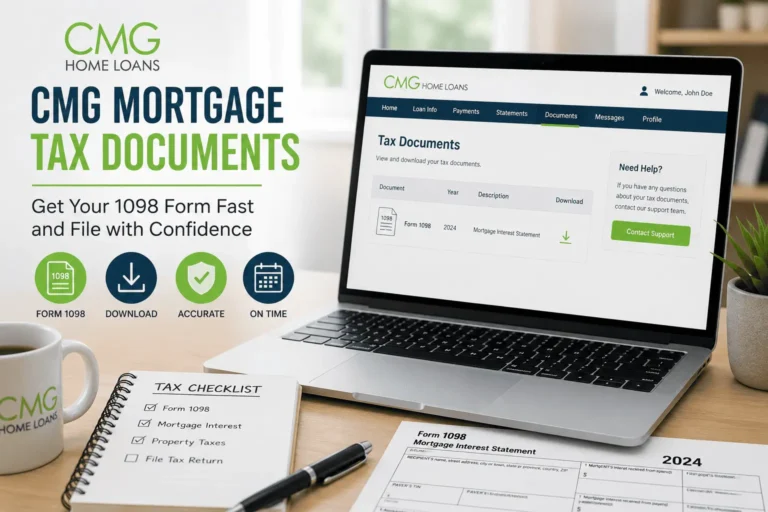
Every January, your mortgage interest statement, known as Form 1098, becomes available in your account under tax documents. You will need this form to claim mortgage interest on your tax return. If a paper copy never arrives by mail, downloading it online is faster and avoids delays, similar to the issues covered in our guide on accessing mortgage tax documents.
How to Pay Your 21st Mortgage Bill Without Logging In
Not everyone wants to log in just to make a payment. 21st Mortgage offers a few offline options too.
| Payment Method | Contact / Details | Best For |
|---|---|---|
| Phone (live agent) | 800-955-0021 | Questions plus payment |
| Automated phone system | 888-598-6121 | Quick payments, no wait |
| 21st Mortgage, 620 Market St, Knoxville, TN 37902 | Paper check payments | |
| Bill pay apps | Through your bank or a bill pay service | Automated recurring bills |
Phone payments usually post the same or next business day. Mailed checks take longer, so send them at least five business days before your due date. If speed matters, the automated system skips the hold music entirely and lets you pay in a few minutes. Keep a payment confirmation number from any offline method, just in case you need proof later.
Common Login Issues & How to Fix Them
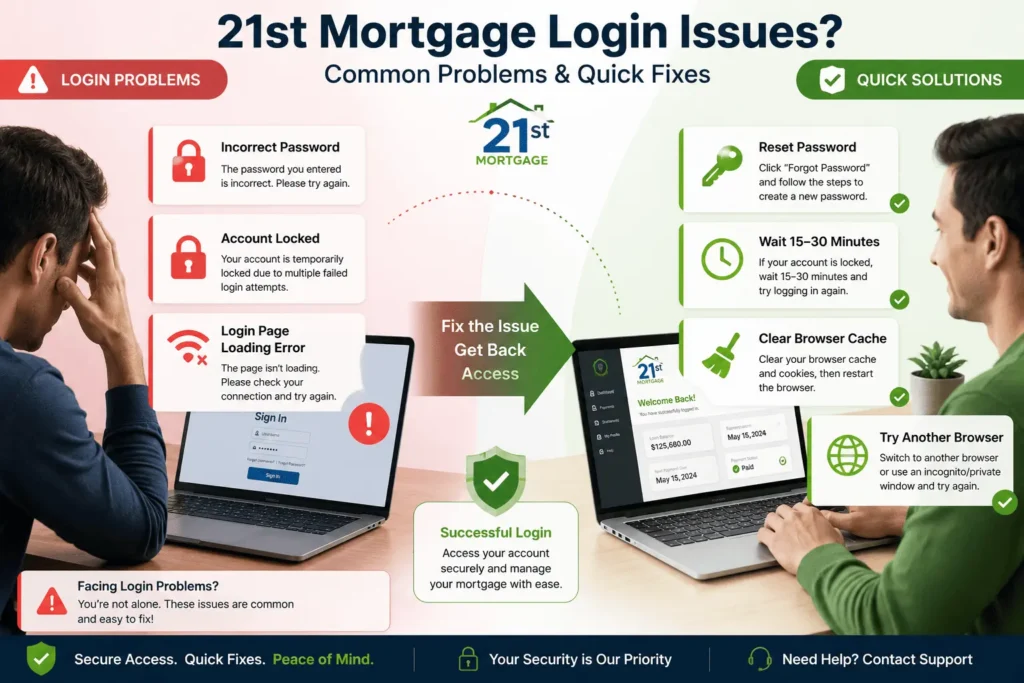
Even a smooth 21st Mortgage Login process runs into hiccups sometimes. Here are the two most common problems and quick fixes.
Account Locked After Failed Attempts
Enter the wrong password too many times, and the system locks your account for security. This usually lifts on its own after 15 to 30 minutes. If it does not, use the password reset link instead of guessing again. Repeated failed attempts from a new device can also trigger extra verification, so have your phone ready for a text code.
Browser Compatibility Issues
Older browsers sometimes struggle to load the 21st Mortgage sign in screen correctly, leaving buttons frozen or blank. Clear your browser cache and cookies, then reload the page. If that does not help, try a different browser like Chrome or Firefox. Private or incognito mode also works well because it skips old saved data that might be causing the conflict.
Account Security Tips
Your mortgage account holds sensitive financial details, so a little caution goes a long way. Turn on two-factor authentication if you have not already. This adds a text or email code on top of your password, making it much harder for anyone else to get in.
Avoid logging in over public Wi-Fi, like at a coffee shop or airport. Use a unique password you do not reuse on other sites. Log out completely when you finish, especially on a shared or work computer.
Watch for phishing emails pretending to be from 21st Mortgage. The company will never ask for your full password by email or text message.
Check your account activity every so often, even if nothing seems wrong. Small habits like this catch problems early, before they turn into bigger headaches. A quick monthly glance at your statement takes less time than a phone call to fix fraud later.
21st Mortgage Customer Service Contact Options
Sometimes you just need to talk to a person. 21st Mortgage customer service is reachable Monday through Friday, 9 AM to 6 PM Eastern time, at 800-955-0021.
If you would rather get help planning your mortgage strategy before you commit, you can also reach out at james@allthings-mortgage.com for guidance.
Keep your loan number ready before you call. It speeds up verification and gets you to the right department faster, especially during busy tax season when call volumes climb.
Conclusion
Logging into your account should never feel this complicated, and now it does not have to. You know the right portal, the exact steps, and quick fixes for the common snags. This guide walked through the full 21st Mortgage Login process from start to finish, exactly as promised at the beginning. Bookmark this page, and your next sign-in will take less than two minutes.
Frequently Asked Questions
Is the 21st Mortgage sign-in page down right now?
21st Mortgage rarely has extended outages. If the page will not load, first check your internet connection, then try a different browser. Planned maintenance windows are usually posted on the login page itself, so check there before assuming a full outage.
Can I access my 21st Mortgage account from my phone?
Yes. The borrower portal works in any mobile browser without needing a separate app. Simply visit 21stmortgageonline.com from your phone, sign in with your usual username and password, and your dashboard will display just as it does on desktop.
How do I change my 21st Mortgage online account email?
Log in, go to account settings, and update your email under contact information. You may need to verify the new address through a confirmation link. If you cannot log in at all, call customer service to update it manually first.
Why does my 21st Mortgage payment portal show the wrong balance?
Payments can take one to two business days to post fully, so recent transactions may not reflect instantly. If the gap lasts longer than three business days, contact customer service to confirm the payment was received and applied correctly.
Does 21st Mortgage charge a fee to pay online?
Bank transfer payments through the portal are typically free. Debit card payments may include a small convenience fee, which displays before you confirm the transaction. Always review the fee summary on the payment screen before submitting.