21st Mortgage Payment App: The Complete Guide to Safe & Official Payments
Table of Contents
You want a fast, simple way to send your monthly mortgage bill, so you opened the app store and typed in the lender’s name. Maybe you downloaded something, opened it, and found it does not even let you make a payment. A lot of manufactured home owners run into this exact mix-up every month, and it is more common than most people think, especially with smaller lenders that focus on niche loan types.
This guide clears that confusion up for good. You will learn whether a real 21st Mortgage Payment App exists, plus every safe and official way to send your money on time, so you never wonder again.
Is There an Official 21st Mortgage Payment App?
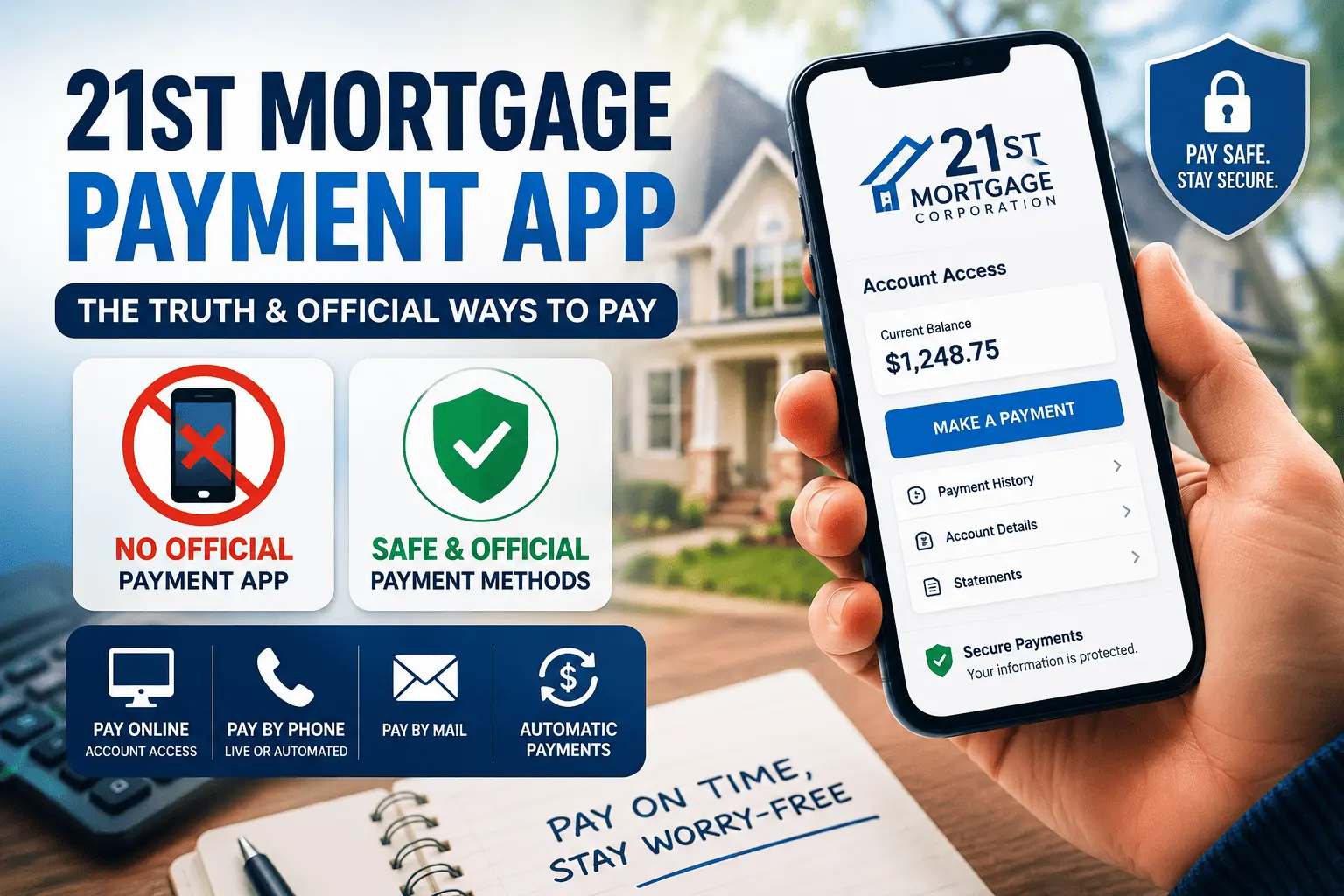
The short answer is no. 21st Mortgage does not run a 21st Mortgage Payment App built for sending monthly payments, checking your balance, or viewing your loan details. The company does have an app listed in the Google Play Store, but it serves a completely different purpose than most borrowers expect. Knowing this now saves you time and keeps you from downloading the wrong thing.
This mix-up happens because big banks like Chase or Bank of America train borrowers to expect a full banking app for every loan. 21st Mortgage focuses on manufactured and mobile home loans, a smaller and more specialized market than traditional home lending. Smaller lenders often put their budget into a solid website instead of a mobile app, and that is exactly the case here. Once you know this, the search for a payment app turns into a much simpler search for the right website tool.
What the Current 21st Mortgage App on Google Play Actually Does
The app listed under 21st Mortgage on Google Play lets users upload and share photos of their property. It does not process loan payments, show your balance, or connect to your loan account in any way. Borrowers who install it while looking for a payment tool often end up more confused, since the features do not match what they expected at all. Think of this app as a photo and document tool, not a billing tool.
What Happened to the Old 21st Mortgage Payment App
An earlier version of the company’s app was removed from Google Play in March 2024. It had picked up around 10,000 downloads before it disappeared from the store without much notice. There is no public explanation for why it was pulled, and no replacement payment app has taken its place since then. If you come across an old APK file online claiming to be the original 21st Mortgage payment app, skip it, since it is no longer supported or verified safe to install.
Downloading apps from outside the official Google Play or Apple App Store carries real risk, especially for anything tied to your bank account. Old APK files can be altered by anyone and may not match the original code at all. Stick to the official Account Access website for anything payment related, and treat any app claiming otherwise with caution.
How to Pay Your 21st Mortgage Bill (All Official Methods)
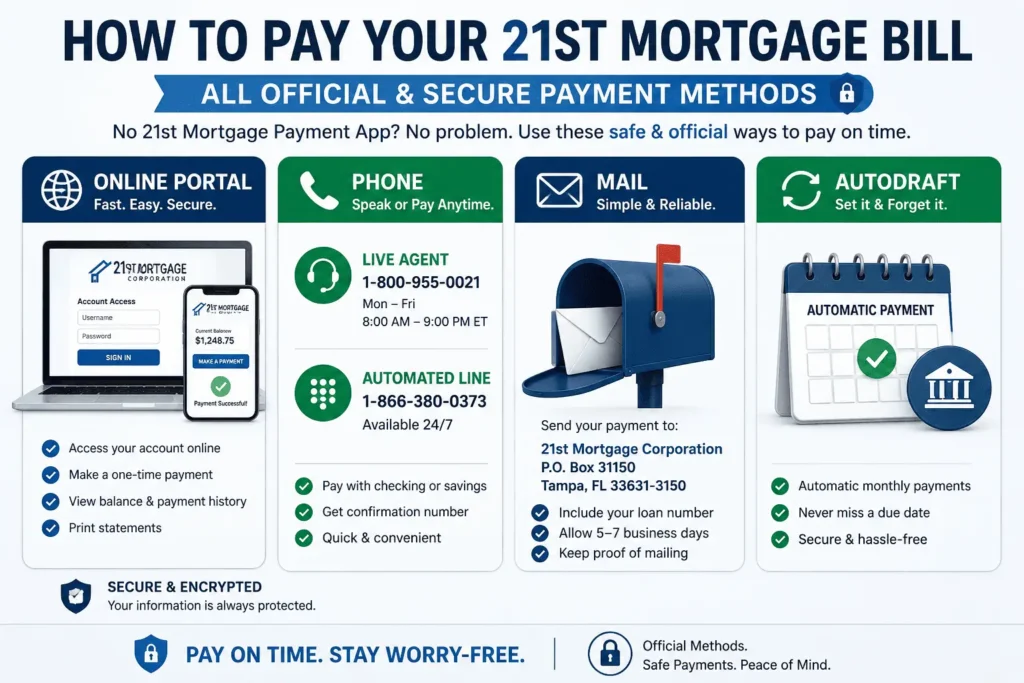
Since there is no dedicated 21st Mortgage Payment App, you have four main ways to send your payment instead. Each method connects straight to your loan account, so your money posts the right way and on time. Pick whichever option fits your routine best, and stick with it each month to avoid mix-ups.
Pay Online Through the Account Access Portal
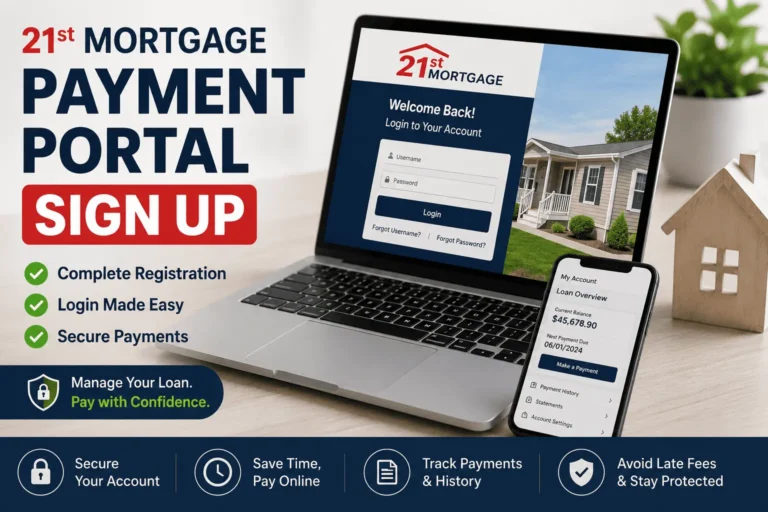
The Account Access portal lets you log in and send a payment directly from your checking or savings account. You will need your loan number and a few personal details to set up your login the first time around. Once you are in, you can view your balance, check your payment history, and print statements whenever you need them. This portal works from any browser, so you do not need to install anything extra on your phone.
Because the portal runs through your mobile browser, it acts like an app without needing one installed on your device. You can bookmark the login page on your phone’s home screen for a shortcut that opens almost as fast as a real app would. This gives you nearly all the convenience people search for a payment app, just through a different door.
Pay by Phone (Live Agent or Automated Line)
You can pay by phone with a live financial counselor at 1-800-955-0021, or use the automated system anytime at 1-866-380-0373. The live line runs from 8:00 a.m. to 9:00 p.m. Eastern time on weekdays, while the automated line is open around the clock for late-night or early-morning payments. Phone payments pull straight from your checking or savings account, and you get a confirmation number right away for your records. Keep that confirmation number until your next statement shows the payment posted, just in case any question comes up later. For a full directory of every department’s contact number, see our 21st Mortgage phone number guide.
Pay by Mail
Mail-in payments go to 21st Mortgage Payment Processing, PO Box 477, Knoxville, TN 37901. If you are sending a cashier’s check for a payoff request instead of a regular bill, mark the envelope ATTN: Payoff Dept so it reaches the right team. Mailed payments take longer to post than online or phone payments, so send yours a few extra days before your due date to stay safe.
Here is a quick side-by-side look at each option, including which ones need an app and which do not.
| Payment Method | How to Pay | App Needed? |
| Online (Account Access) | Log in with your loan number and password | No |
| Phone (Live Agent) | Call 1-800-955-0021 | No |
| Phone (Automated) | Call 1-866-380-0373 | No |
| Send a check to PO Box 477, Knoxville, TN 37901 | No | |
| Third-Party App (doxo) | Pay through a third-party bill pay service | Yes, but not official |
Notice that every official method routes through a website, a phone line, or the mail, not a mobile app. Keeping this table in mind saves you from repeating the same app store search next month.
Account Access Portal — Registration and Login Help
Your Account Access portal is where most 21st Mortgage account searches actually end up landing, once borrowers learn there is no separate mobile app. It covers everything from payments to statements to loan details in one place. For a deeper breakdown of every 21st Mortgage payment option tied to this portal, check out our full payment guide. Setting the portal up takes just a few minutes if you have your loan paperwork nearby.
Creating a New Account
Go to the 21st Mortgage website and look for the sign-in or registration link, which usually sits near the top of the homepage. You will need your loan number, your Social Security number, and a valid email address to get started. After you enter these details, you will create a username and a strong password for future logins. Once registered, you can sign in anytime to manage your loan from your computer or phone browser.
Check your inbox right after signing up, since most accounts need email verification before you can log in the first time. Add the sender to your safe list if the email lands in spam, so future statements and alerts do not get buried. This one small step prevents most first-time login headaches.
Fixing Login or Password Issues
If your password stops working, click Forgot Password on the login page and follow the reset steps that show up. Repeated wrong attempts can lock your account temporarily, so wait a few minutes before trying again or call customer service to unlock it sooner. Clearing your browser cache or switching to a different browser also fixes many login errors right away. For a full step-by-step walkthrough, see our 21st Mortgage login guide. If you are still stuck after trying these steps, reach out to our team at james@allthings-mortgage.com and we will point you in the right direction.
Setting Up Automatic Payments (Autodraft)
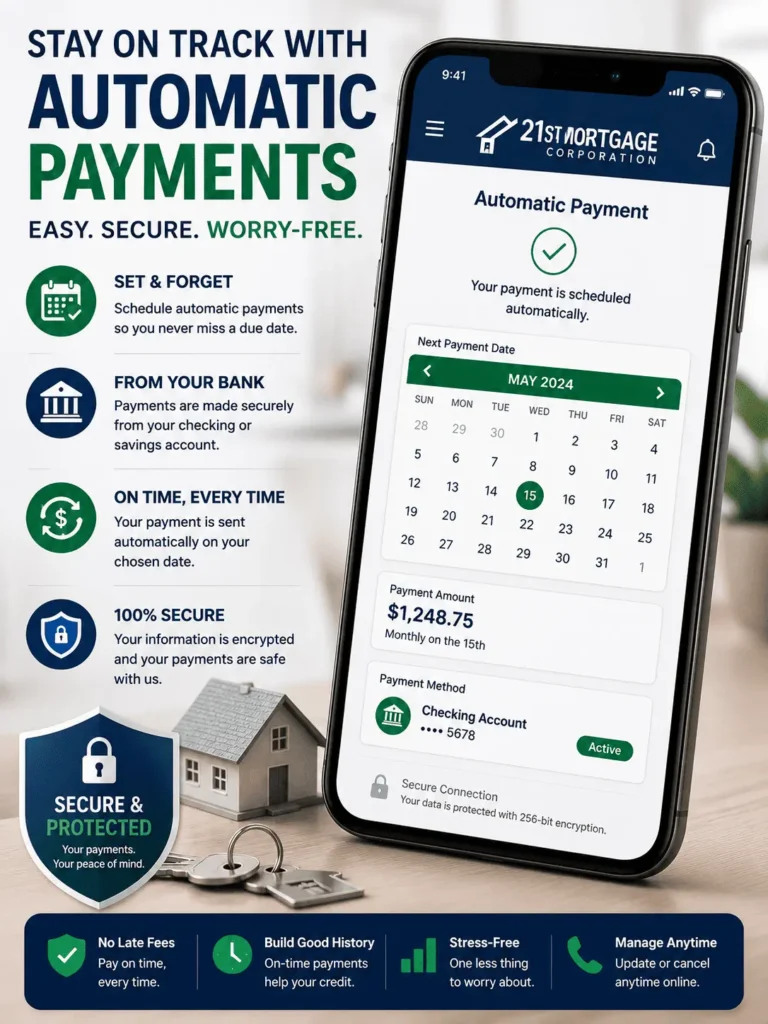
Autodraft takes your payment straight from your bank account every month, so you never have to remember a due date again. It is free to enroll, and it is a safer habit than searching around for a 21st Mortgage Payment App that simply does not exist. You can cancel or change your autodraft plan anytime by contacting the servicing department directly.
Missing a due date can trigger a late fee, hurt your credit score, or both, so autodraft removes that risk almost completely. Once it is set up, your only job is keeping enough money in your account before the draft date. Many borrowers set this up once and forget about it for years without a single missed payment.
Choosing Your Payment Cycle
You can match your autodraft schedule to your own payday instead of forcing your budget around a fixed date. Common cycle options include:
- Monthly, on a fixed date each month
- Biweekly, every two weeks
- Semi-monthly, twice a month on set dates
Pick whichever cycle keeps your monthly budget the most steady and predictable for your household.
Adding Extra Principal to Each Payment
You can add a set extra amount to every autodraft withdrawal and apply it directly toward your loan’s principal balance. This shrinks your balance faster over time and can lower the total interest you end up paying on the loan. You will need to fill out an authorization form and attach a voided check or bank letter to confirm your account. Temporary checks are not accepted for this setup, so use a printed one from your bank.
Can You Pay 21st Mortgage With a Credit Card?
No. 21st Mortgage does not accept credit card payments through any channel, including phone, mail, or online banking. Every payment must come from a checking or savings account, whether it is a personal account or a business one. This rule stays the same no matter how you search for a 21st Mortgage Payment App or a workaround online, so plan your payment method around your bank account instead.
Most mortgage lenders skip credit card payments because of the processing fees card networks charge on large transactions. Passing that fee to borrowers every month would raise the real cost of the loan, so lenders avoid the option entirely. Setting up a linked checking account ahead of your due date keeps this rule from ever slowing you down.
Using Third-Party Bill Pay Apps Like doxo — Are They Safe?
Services like doxo let you pay your 21st Mortgage bill through their own app, but they are not affiliated with or endorsed by 21st Mortgage in any way. doxo simply forwards your payment to the lender on your behalf, sometimes for a small processing fee. Using a free linked bank account through doxo usually helps you avoid those extra charges altogether. Still, paying straight through the Account Access portal or calling in yourself keeps your payment fully under your own control.
Before entering your bank details into any third-party app, check reviews and confirm the company has a real support line you can reach if something goes wrong. A missed or delayed payment through a middleman app can still show up as late on your loan, even if the mix-up was not your fault. When in doubt, the official portal or a direct phone call removes that extra layer of risk.
Making a Loan Payoff Payment
A payoff request is different from a regular monthly payment, since it closes out your entire loan balance at once. Call the payoff department at 1-800-955-0021 extension 2900, open Monday through Friday from 8:00 a.m. to 8:00 p.m. Eastern time. Cashier’s checks for a payoff go to 21st Mortgage Payment Processing, 620 Market Street, Knoxville, TN 37902, marked ATTN: Payoff Dept. You can also fax payoff requests to 1-877-830-3100 if your closing agent needs the documents fast.
Ask for your payoff statement a few days before your target closing date, since interest keeps adding up daily until the funds arrive. A statement that is even a day old can leave you short by a small amount, which can delay your closing. Building in that small buffer keeps your sale or refinance moving on schedule.
Late Payment Fees and NSF Charges
Late fees and returned payment charges can vary slightly depending on your state and the type of loan you hold. For land and home loans in New York, for example, the late fee runs at 2 percent of the payment or the contract amount, whichever is lower. A returned payment, also called an NSF fee, can run up to $20 or the contract amount, again whichever is lower. Checking your loan documents for your exact state’s fee schedule helps you avoid any surprise charges down the road.
Enrolling in Autodraft is the simplest way to keep these fees off your account for good, since a payment that never gets forgotten can never post late. Double check your bank balance a day or two before each draft date to prevent an accidental NSF charge. If you still have questions about your specific fee schedule, send them to james@allthings-mortgage.com for a quicker answer.
FAQs About the 21st Mortgage Payment App
Does 21st Mortgage have a payment app?
No. 21st Mortgage does not offer a 21st Mortgage Payment App for sending monthly payments. Its current Google Play app only handles property photo uploads, not billing. Borrowers pay instead through the Account Access portal, by phone, or by mail.
What number do I call to make a payment over the phone?
Call 1-800-955-0021 to speak with a live financial counselor, or dial 1-866-380-0373 for the automated payment line. Both options pull your payment straight from a checking or savings account. Phone payments also give you an instant confirmation number for your records.
Can I set up automatic payments with 21st Mortgage?
Yes. The Autodraft program withdraws your payment automatically from your bank account on a schedule you choose. You can pick monthly, biweekly, or semi-monthly cycles to match your pay schedule. Enrollment is free, and you can add extra principal to each draft.
Is doxo the official 21st Mortgage payment app?
No. doxo is a third-party bill pay service, not an official 21st Mortgage tool. It forwards your payment to the lender on your behalf, sometimes for a small fee. The Account Access portal remains the more direct and official option.
Why can’t I find 21st Mortgage in the app store for payments?
21st Mortgage’s current app only supports property photo sharing, not payments. Their older payment-related app was removed from Google Play back in 2024. Borrowers should use the Account Access website, phone lines, or mail instead of searching for an app. For more background on the lender itself, see our 21st Mortgage review.
Conclusion
Now you know the full truth behind the 21st Mortgage Payment App search — there isn’t one built for payments, but you have several safe, official ways to pay instead. We walked through the Account Access portal, phone lines, mail, and Autodraft, plus how to stay careful with third-party apps like doxo. You can now pick whichever method fits your schedule and send your payment with full confidence. Your search for clear answers ends here, exactly like we promised at the start.