
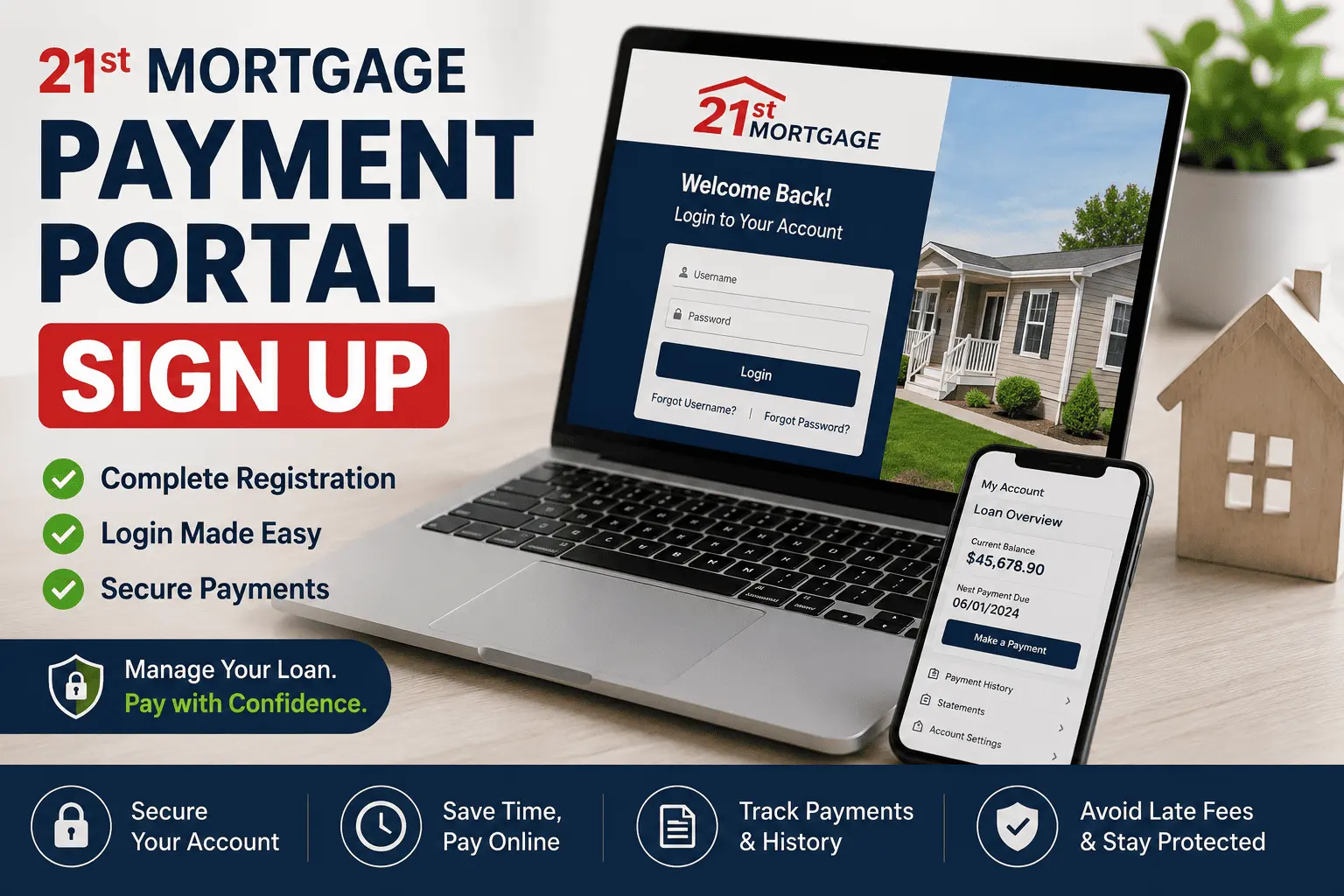
21st Mortgage Payment Portal Sign Up: The Fastest Way to Get Started
Trying to make a payment on a loan you just found out about is stressful enough. Add in a login page you don’t recognize, a password that won’t reset, and a support line that puts you on hold, and it’s easy to feel stuck before you even start. A lot of manufactured home owners land here right after their loan gets transferred to 21st Mortgage, with no clue how the online system works.
This guide breaks down the entire 21st Mortgage Payment Portal Sign Up process in plain steps, from creating your account to making your first payment. You’ll learn which portal to use, how to fix common login problems, and what to do if a payment doesn’t go through. By the end, you’ll have this handled in minutes, not hours.
What Is the 21st Mortgage Payment Portal
Understanding the 21st Mortgage Payment Portal Sign Up process starts with knowing what the portal actually does. It’s the online account system that lets borrowers manage their manufactured or mobile home loan without calling in every time. Once you sign up, you can see your loan balance, check your due date, and send a payment straight from your bank account.
21st Mortgage is a manufactured and mobile home lender based in Knoxville, Tennessee. The company services its own loans, which means the portal connects directly to your real account, not a third-party processor. If you want more background on how the lender works day to day, our 21st Mortgage review covers rates, requirements, and loan types in detail.
For most borrowers, the portal is the fastest way to stay on top of payments and avoid late fees. It works fine on a phone browser too, so you don’t need a separate app just to check your account.
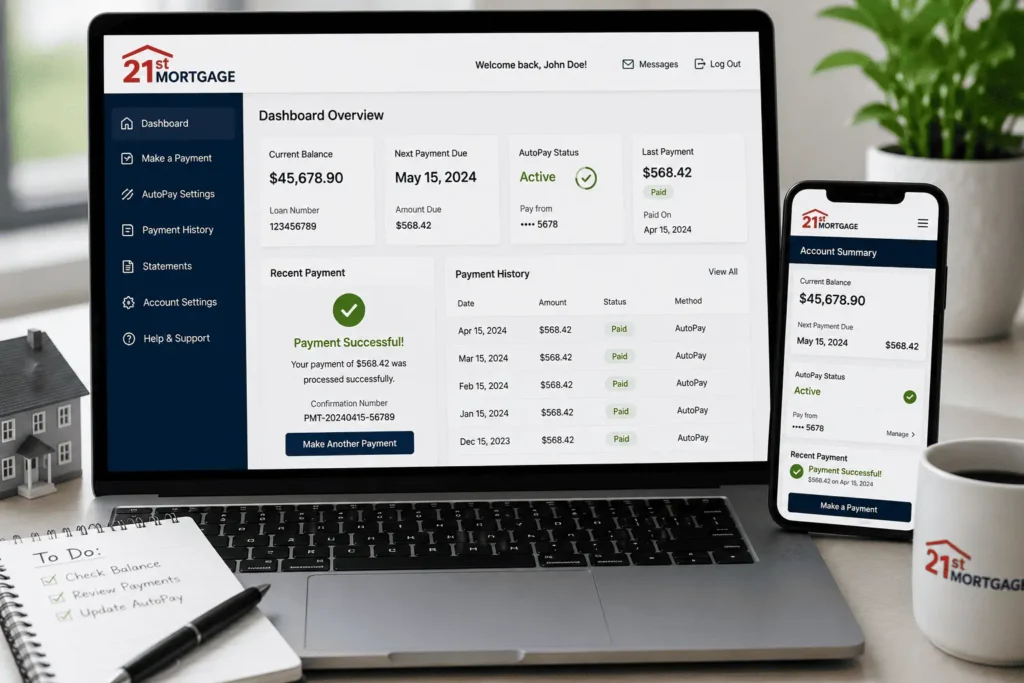
Beyond just paying, the account gives you a clear picture of where your loan stands. You can see your principal balance, your interest rate, and how much of each payment goes toward the loan versus escrow. That kind of visibility is hard to get from a paper statement alone, especially if you only glance at it once a month.
Which 21st Mortgage Portal Should You Use (Loan Servicing vs. Application Portal)
One thing that confuses new borrowers fast is that 21st Mortgage runs more than one online system. There’s a loan application portal for people still applying for financing, and a separate loan servicing portal for borrowers who already have an active loan and just need to pay it.
If you already own your manufactured home and got a letter about your monthly payment, you want the servicing side, not the application side. Signing up on the wrong page wastes time and won’t show your actual loan balance.
The safest way to find the right link is through the official 21st Mortgage website, under the payment or borrower services section, not a random search result. Third-party bill pay sites also show up in search results, but they aren’t run by 21st Mortgage and may charge extra fees on top of your payment.
A quick way to check you’re on the right page: look for your actual loan number and balance after logging in. If the page only asks for a lead form with your name and phone number instead of a loan number, you’ve landed on an application or marketing page, not the servicing portal you need.
Bookmark the correct page once you confirm it. That way, every future 21st Mortgage Payment Portal Sign Up or login attempt takes you straight to the right place. Still unsure which link applies to your loan? Email us at james@allthings-mortgage.com with your loan type and we’ll help you find the right one.
How to Sign Up for the 21st Mortgage Payment Portal
Information You’ll Need Before Registering
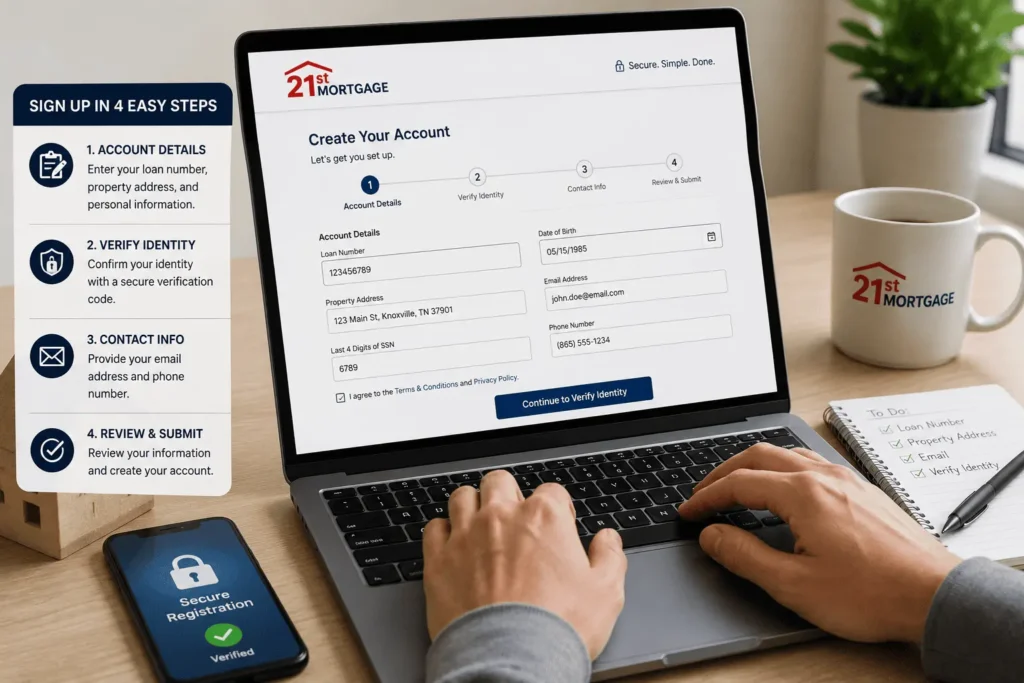
Before you start the registration form, gather a few details so you’re not stuck halfway through. Having these ready saves you from starting over.
- Your 21st Mortgage loan number, found on your welcome letter or monthly statement
- The property address tied to the loan
- A valid email address you check often
- Your Social Security number, used only to verify identity
- Your bank account and routing number, if you plan to set up payments right away
Keep these in one place before you open the registration page. Missing even one item is the most common reason sign-ups stall halfway through.
Step-by-Step Sign-Up Process
Once your details are ready, follow these steps to finish registration.
- Go to the official 21st Mortgage borrower login page from the lender’s website.
- Click the option to register or create a new account.
- Enter your loan number and property address exactly as they appear on your statement.
- Create a username and a strong password with letters, numbers, and symbols.
- Verify your identity through a security question or a code sent to your email or phone.
- Confirm your email address by clicking the link sent to your inbox.
- Log in with your new credentials to view your account for the first time.
The whole process usually takes under ten minutes. If the system rejects your loan number, double check for typos, since even one wrong digit will block registration.
How to Log In to Your 21st Mortgage Account
Once your account is set up through 21st Mortgage Payment Portal Sign Up, logging back in is simple. Go to the same portal page, enter your username and password, and you’re in.
If you’re logging in on a new device for the first time, the system may ask for extra verification, like a text code. This is a normal security step, not an error, so don’t panic if it happens.
Save your login page as a bookmark so you always land on the correct site. For a deeper walkthrough with troubleshooting for every step, check our full 21st Mortgage login guide, which covers this part in more detail.
Most login issues come from typing errors or an expired session, not an actual account problem. If your password manager auto-fills an old password, clear the field and type it manually before trying again.
21st Mortgage Payment Options Explained
21st Mortgage gives borrowers more than one way to pay. Picking the right one depends on how fast you need the payment to post and whether you want to avoid extra fees. Here’s a quick breakdown before we go through each option.
| Payment Method | Speed | Typical Fee | Best For |
|---|---|---|---|
| Online Portal | Same or next business day | None | Regular monthly payments |
| Phone (automated) | Same day | None | Quick payments without logging in |
| 5-7 business days | None | Borrowers without internet access | |
| Third-party bill pay | 1-3 business days | May apply | Backup option only |
Making a Payment Through the Online Portal
This is the fastest and most common way to pay once your account is active. Log in, select your payment amount, choose your linked bank account, and confirm. You’ll get a confirmation number for your records.
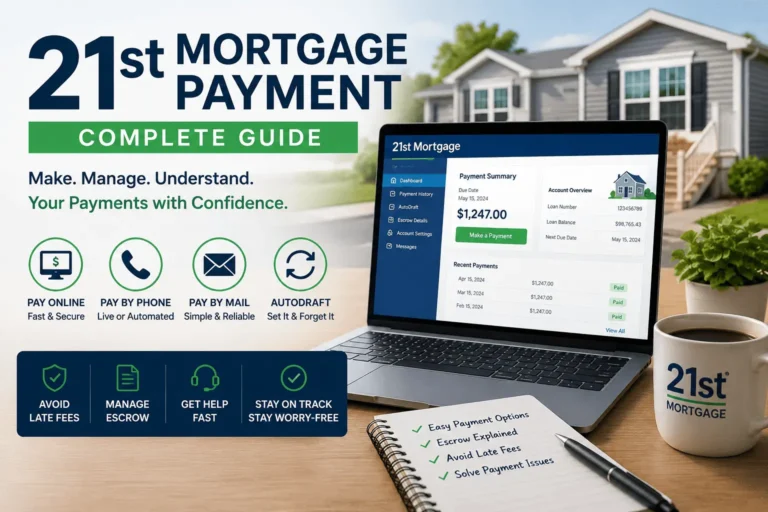
For a closer look at every payment method side by side, including autodraft, our 21st Mortgage payment guide walks through each one in more detail.
Paying by Phone
If you don’t want to log into the portal, you can pay through the automated phone line. Have your loan number and bank details ready before you call. Make sure you dial the correct payment line and not the general customer service number, since they route to different departments.
Paying by Mail
Mailing a check works, but it’s the slowest option and carries the risk of late fees if it arrives after your due date. Send payments to the address listed on your monthly statement, not the general company address, since payments go through a separate processing center. Always write your loan number on the check.
Paying Through Third-Party Bill Pay Services
Some outside sites let you pay 21st Mortgage bills without logging into the official portal. They’re convenient, but they aren’t run by the lender, and some payment methods carry extra fees. Stick to the official portal or phone line when possible, and treat a third-party service as a backup only.
How to Set Up Autopay for Recurring Payments
Setting up autopay means you never have to remember a due date again. Once it’s active, your payment pulls automatically from your linked bank account every month.
To turn it on, log into your account after finishing the 21st Mortgage Payment Portal Sign Up, and look for the autopay or automatic draft section. Link your bank account, choose the date you want payments to process, and confirm the amount.
A few things worth knowing:
- Autopay usually pulls a few days before or on your actual due date, so keep funds ready early
- You can cancel or pause it anytime from your account settings
- If your monthly amount changes due to an escrow adjustment, autopay updates on its own, though it’s smart to check the portal that month anyway
Autopay reduces the risk of late fees, but it doesn’t remove the need to check your account once in a while.
Some borrowers set up autopay for the minimum due and then log in separately to make an extra principal payment. This combination keeps the regular bill on autopilot while still giving you control over paying the loan down faster whenever you have extra cash.
Managing Your Account: Statements, Payment History & Escrow Details
Your online account holds more than just a pay button. Once you’re logged in, you can pull up past statements, download your yearly tax document, and review every payment you’ve made.
Payment history shows the date, amount, and confirmation number for each transaction. This comes in handy if you ever need to dispute a payment or prove something was paid on time.
Escrow analysis is another feature worth checking once a year. If your loan bundles property taxes and insurance into the payment, this section shows how that money is collected and paid out, and whether your monthly payment is about to change.
Reviewing these sections a few times a year helps you catch billing errors early, before they turn into a bigger headache.
Your yearly tax document, usually a Form 1098, shows the interest you paid for the year. Downloading it straight from the portal is faster than waiting on mail, and it means you have it ready whenever your tax preparer asks for it.
Updating Your Contact and Account Information
Keeping your contact details current matters more than most borrowers realize. If 21st Mortgage can’t reach you by email or phone, you might miss an important notice about your loan.
To update your information, log in and go to your profile or account settings. From there, you can change your mailing address, phone number, and the email on file.
If you recently moved or switched bank accounts, update both right away. An old bank account left on file is one of the most common reasons an automatic payment fails.
Is the 21st Mortgage Payment Portal Secure
Security is a fair concern before you hand over your loan number and bank details online. The portal uses encrypted connections, which means your data is scrambled while it travels between your device and the lender’s servers.
Most accounts also support two-factor verification, where a code gets sent to your email or phone during login. Turning this on adds a second layer of protection, even if someone gets hold of your password.
A few habits keep your account safer:
- Never share your login details, even with someone claiming to be customer service
- Use a unique password you don’t reuse on other sites
- Log out fully when using a shared or public computer
- Watch for phishing emails that copy the real portal’s look
21st Mortgage will never ask for your full password over the phone or by email. If you get a message asking for it, treat it as a scam.
If you ever suspect someone accessed your account without permission, change your password right away and check your recent payment history for anything you don’t recognize. Then contact the lender directly through a number you found on your own statement, not one from a suspicious email or text.
Troubleshooting Sign-Up and Login Problems
Even with a clean 21st Mortgage Payment Portal Sign Up, borrowers run into a few common snags. Here’s how to fix the most frequent ones.
- Forgot password: use the “Forgot Password” link and reset it through your email, not by calling in first
- Wrong loan number: double check your statement, since one wrong digit blocks registration completely
- Account locked: too many failed attempts often trigger a temporary lock, so wait 30 minutes before trying again
- Payment not showing: give it one full business day before assuming it failed, since processing isn’t instant
- Page won’t load: clear your browser cache or try a different browser before assuming the site is down
If none of these fix your issue, reach out directly. Send your loan number and a short description of the problem to james@allthings-mortgage.com, and you’ll get pointed toward the right department.
Most login and payment problems solve themselves once you slow down and double check each entered detail.
One more tip that saves people a lot of frustration: avoid using autofill from an old browser session when you’re setting up a new account. Saved passwords from a previous login attempt often carry over incorrectly, and that mismatch is behind more failed logins than an actual system error.
21st Mortgage Customer Service Contact Information
Sometimes you just need a real person, not a portal. The main customer service and payment lines are separate from the general information number, so calling the wrong one wastes time.
For payment-specific issues, use the payment line, not the general inquiries number. If you need a loan officer, servicemember support, or the payoff department, each has its own extension. Our full 21st Mortgage phone number guide lists every department contact, so you don’t have to guess or get transferred more than once.
Business hours generally run Monday through Friday, with limited hours or closures on weekends. Calling early in the day usually means a shorter hold time.
Keep your loan number handy before you dial, since most automated systems ask for it right away. Skipping that step usually means getting bounced back to the main menu and starting the call over.
Conclusion
Signing up for your account doesn’t have to feel confusing or risky once you know the right steps. This guide walked you through the full 21st Mortgage Payment Portal Sign Up process, from registration to your first payment and everything in between. You now know which portal to use, how to fix common login errors, and where to turn if something still doesn’t work. Bookmark this page, and you’ll never have to search for these steps twice.
Frequently Asked Questions
How do I sign up for the 21st Mortgage payment portal?
Go to the official 21st Mortgage borrower login page, click register, and enter your loan number, property address, and email. Create a username and password, verify your identity, and confirm your email to finish the 21st Mortgage Payment Portal Sign Up process.
What information do I need to register?
You need your 21st Mortgage loan number, the property address on your statement, a valid email, your Social Security number for identity verification, and your bank account details if you plan to pay online right away.
Why can’t I log into my 21st Mortgage account?
The most common causes are a typo in your username or password, an expired session, or too many failed login attempts, which temporarily locks the account. Reset your password or wait 30 minutes before trying again.
Is autopay available on the 21st Mortgage portal?
Yes. After signing up, log in, go to the autopay section, link your bank account, and choose your payment date. Autopay updates automatically if your escrow payment amount changes during the year.
Is it safe to enter my bank details on the portal?
Yes. The portal uses encrypted connections and supports two-factor verification for extra protection. Never share your login details by phone or email, since 21st Mortgage will never ask for your full password directly.
![PHH Mortgage Services: Complete Guide [2026]](https://indianamortgagerate.com/wp-content/uploads/2026/05/phh-mortgage-services-loan-transfer-768x512.webp)