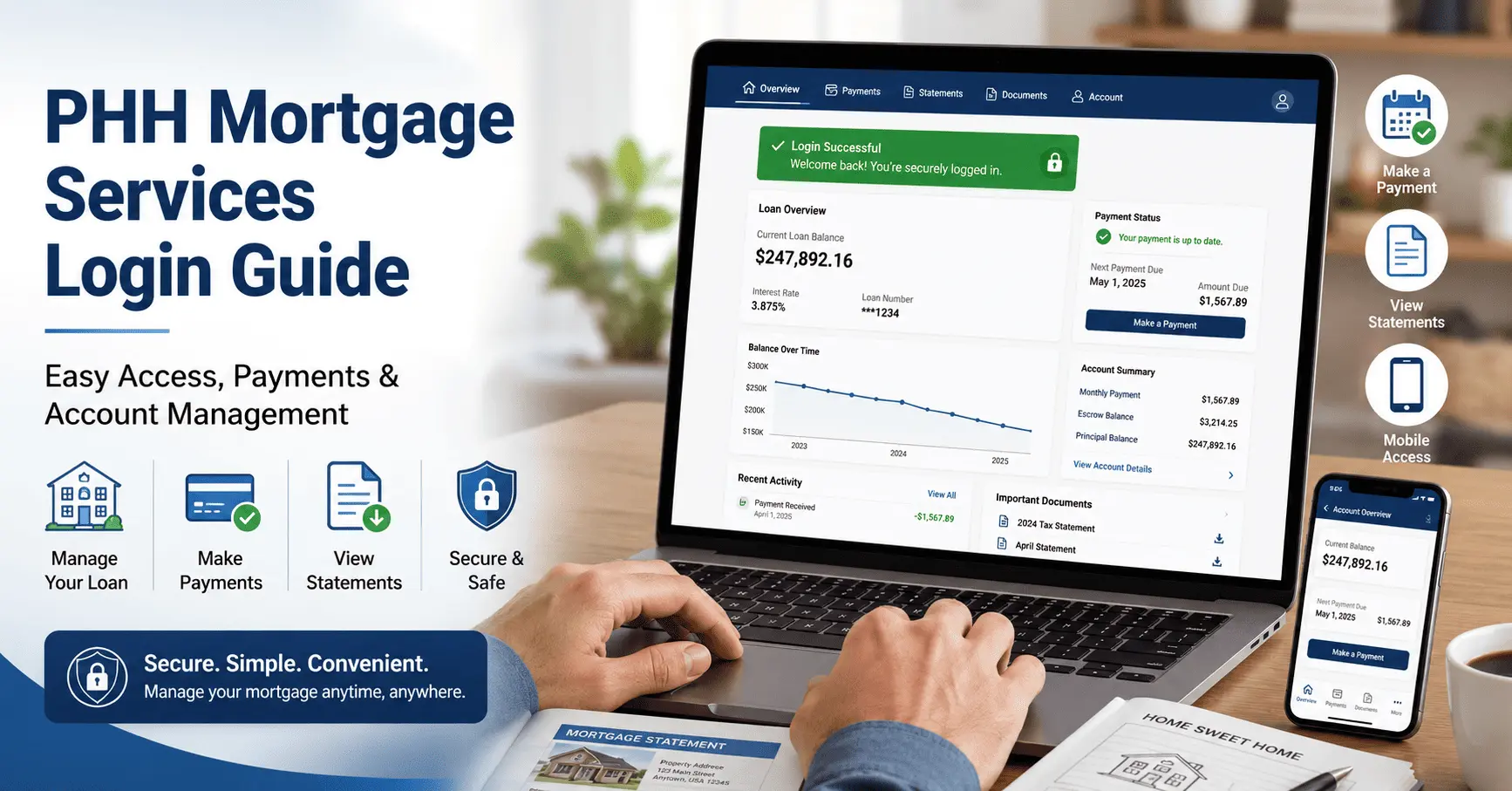
PHH Mortgage Services Login Guide: Sign In, Payments & Account Help
Logging into your home loan account should be simple. But many people open the website, type their details, and still get stuck. Maybe the page looks different than before. Maybe your old password just stopped working.
You are not alone, and this guide will fix that for you. We will walk you through the full PHH Mortgage Services Login process in plain steps. You will learn which portal to use, how to register, and what to do when something goes wrong. By the end, signing in will feel quick and stress free.
PHH Mortgage Services Explained: Now Onity Mortgage
PHH Mortgage has helped homeowners for many years, and our full PHH Mortgage Services guide covers its background. In 2025, the company changed its name to Onity Mortgage. It is part of Onity Group, a large home loan servicer. Your loan terms, balance, and due dates stay exactly the same.
Your login site has not gone away either. You still manage your loan through MortgageQuestions.com. Some loans were also moved to Newrez for servicing. We will explain both paths below, so you always know where to sign in.
Official PHH Mortgage Services Login Portals and Links
There is more than one place to sign in, and the wrong one wastes time. The right portal depends on who now services your loan. Use the table below to pick the correct link fast.
| Login Portal | Who It Is For | Where to Sign In |
|---|---|---|
| MortgageQuestions.com | Most PHH / Onity Mortgage customers | account.mortgagequestions.com/phhm |
| Newrez Portal | Loans transferred to Newrez | newrez.com/sign-in |
| Post-Closing Portal | Closing and final loan documents | postclosing.phhmortgage.com/login |
MortgageQuestions.com (Primary Login Portal)
For most customers, MortgageQuestions.com is the main place to sign in. This is the same trusted portal used under the PHH name. You can reach it at account.mortgagequestions.com/phhm. Many people still search for the MortgageQuestions login by that older brand name.
Newrez Portal for Transferred Loans
Some home loans were moved to Newrez for servicing. If you got a letter about this change, your account now lives on the Newrez website. Sign in at newrez.com/sign-in instead of the old portal. This is the right path for anyone needing the Newrez PHH Mortgage login.
Post-Closing and Final Documents Portal
New buyers often need their closing papers later. The post-closing portal holds these final loan documents. You can find them at postclosing.phhmortgage.com/login. Keep these files safe, since you may need them at tax time.
How to Register for a PHH Mortgage Services Account
First time users must register before they can sign in. The steps are short and take only a few minutes. Make sure you have your loan number and Social Security number nearby.
- Go to MortgageQuestions.com and click the “Register” button.
- Enter your loan number and the last four digits of your Social Security number.
- Add your email address, then create a username and password.
- Accept the terms and click “Register” to finish.
Once these steps are done, your PHH Mortgage Services account is ready to use. You can now sign in from any browser or from the app.
How to Log In to Your PHH Mortgage Services Account
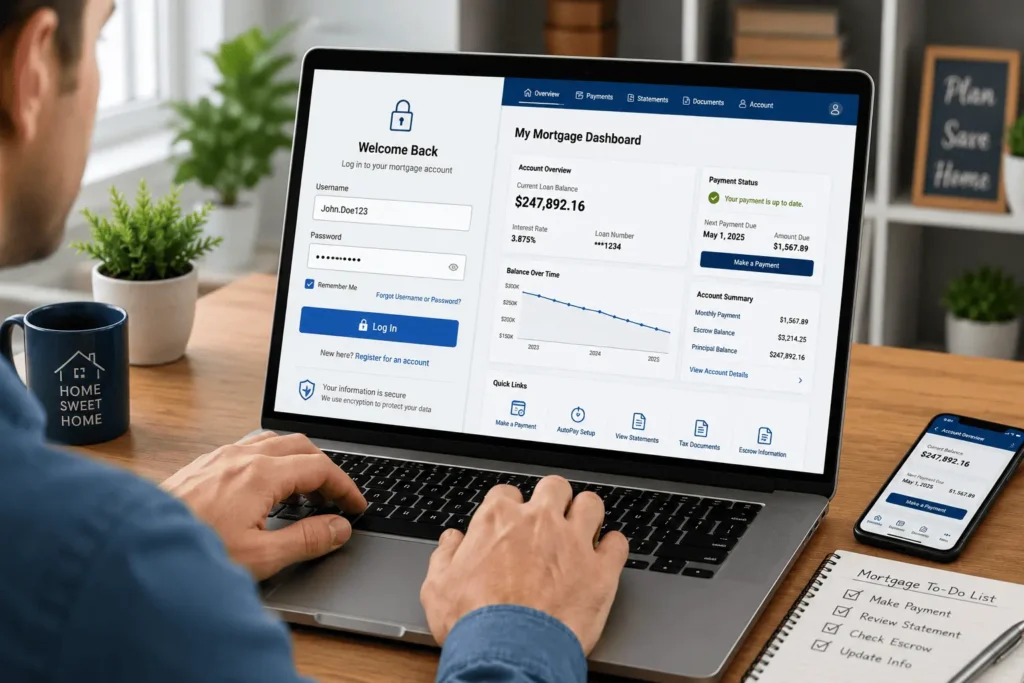
After you register, signing in is easy. The same details work on both the website and the mobile app. Some people call this their PHH Mortgage questions login because of the website name. For a shorter walkthrough, see our PHH Mortgage Login guide.
- Open MortgageQuestions.com in your browser.
- Click the “Log In” button at the top of the page.
- Type your username and password.
- Click “Log In” to open your dashboard.
That is the full PHH Mortgage Services Login flow for the website. Your account home screen will load right away.
PHH Mortgage Services Login on the Mobile App
Many people like to manage their loan from a phone. The MortgageQuestions (MQ) app makes that simple. It works on both iPhone and Android devices.
Download the app from the App Store or Google Play. Open it, then use the same username and password from the website. New users can also register right inside the app. The mobile PHH Mortgage sign in uses these same login details, so there is nothing extra to remember.
What You Can Do After Logging In
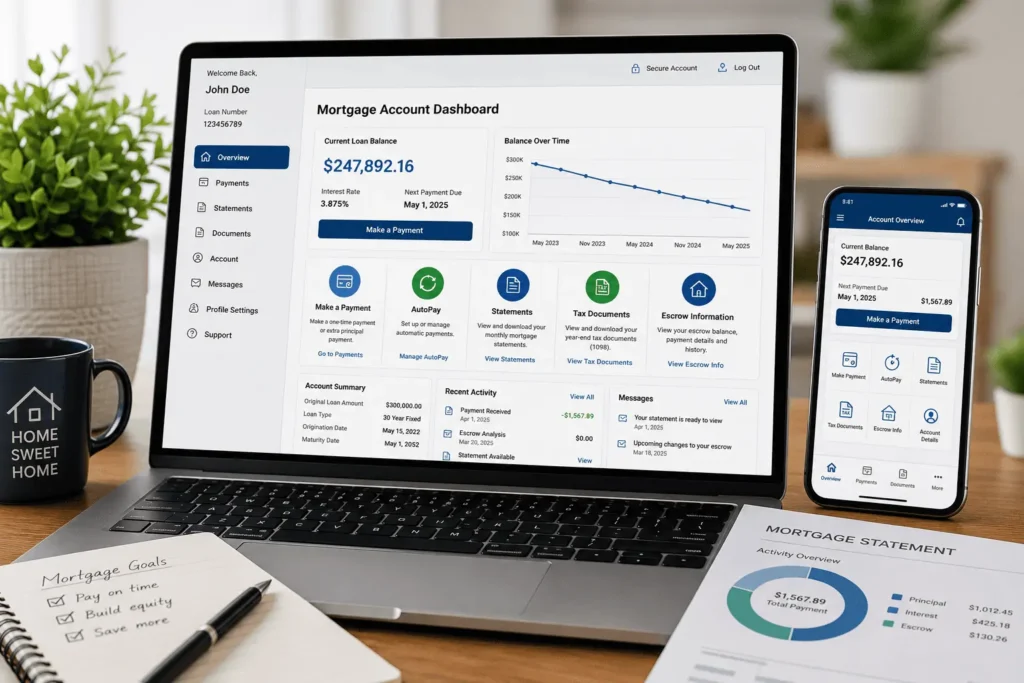
Signing in does much more than show your balance. The dashboard puts every key task in one spot. Here is what you can handle once you are inside.
View Statements, Escrow, and Tax Documents
Your account stores all your loan papers in one place. You can open monthly statements, escrow details, and year end tax forms. This saves you from digging through a pile of old mail. Going paperless keeps these files even easier to find.
Make a Payment or Set Up AutoPay
You can pay your loan in just a few clicks. Pick a one time payment or set up AutoPay for each month. AutoPay helps you avoid late fees and missed due dates. This is also what most people mean when they search for a PHH Mortgage payment login.
You can even add extra money toward your principal here. Paying down the balance sooner can save you money over the life of the loan.
Update Your Personal and Contact Information
Life changes, and your account should keep up. You can update your phone number, email, and mailing address. Keeping this current means you never miss an important notice. It also helps the support team reach you faster.
Switch to Paperless Delivery
Paper mail is easy to lose or forget. Turn on paperless to get your documents online instead. Sign in, open Account Settings, then choose email under delivery preferences. You will get secure access to everything anytime, anywhere.
How to Recover Your Username or Reset Your Password
Forgetting your details happens to everyone. The good news is that recovery is quick. You only need a few pieces of personal information to start.
Recover a Forgotten Username
If you forget your username, you can get it back fast. On the login page, choose the username help link. Enter your Social Security number and the email on file. Your username will then be sent to that email address.
Reset a Forgotten Password
A lost password is just as simple to fix. Click “Forgot your password?” on the sign in page. Enter your username and the email tied to your account. Follow the link they send to set a new password.
Common PHH Mortgage Services Login Problems and How to Fix Them
Sometimes the page just will not let you in. Most issues have a quick fix. Try these steps before you call for help.
Account Locked or Too Many Failed Attempts
Too many wrong tries can lock your account for safety. Wait a short while, then try again slowly and carefully. If it stays locked, reset your password to unlock it. You can also call support to confirm who you are.
Browser, Cache, and Device Compatibility Issues
Old browser data can stop the page from loading right. Clear your cache and cookies, then reload the site. Try a different browser or device if the problem stays. Make sure your app is updated to the newest version.
Login Errors After the Onity or Newrez Transfer
Name and servicer changes can confuse the sign in step. If your loan moved to Newrez, use the Newrez site instead. If you still see the PHH or Onity name, stay on MortgageQuestions.com. A smooth PHH Mortgage Services Login depends on using the matching portal.
Other Ways to Pay If You Cannot Log In
Locked out but your payment is due soon? You still have safe options. You do not have to wait until you fix your sign in.
- Call the automated phone line to pay by card or bank account.
- Mail a check to the correct payment address on your statement.
- Use a trusted bill pay service linked to your own bank.
Always keep your loan number handy for any payment method. This helps the payment reach the right account.
Keeping Your PHH Mortgage Services Login Secure
Your loan account holds private money details. A few simple habits keep it safe. Treat your sign in like the key to your home.
Use a strong password that you do not repeat on other sites. Never share your details by text or email with strangers. Be careful with fake “login” links sent in messages. When in doubt, always start from the official Onity Mortgage login page instead of clicking a link.
PHH Mortgage Services Contact and Support Options
Sometimes you just need to talk to a real person. Support can help with sign in trouble, payments, and account questions. Here is how to reach the team.
Phone Numbers and Support Hours
You can call customer service at 1-800-449-8767 for general help. Lines are open Monday through Friday and on Saturday morning. Have your loan number ready to speed things up. A live chat option is also on the website.
Mailing Addresses for Payments and Documents
Some requests still need regular mail. Send general letters to P.O. Box 5452, Mount Laurel, NJ 08054-5452. Mortgage account mail goes to P.O. Box 94087, Palatine, IL 60094-4087. For editorial questions about this guide, you can email james@allthings-mortgage.com.
Conclusion
At the start, we promised to make signing in simple, and now you have every step in one place. You know the right portal, how to register, and how to fix the most common errors. The whole PHH Mortgage Services Login process is now clear, from the website to the mobile app. With these tips, managing your home loan online should feel easy, fast, and safe.
Frequently Asked Questions
Why does my PHH Mortgage account now say Onity Mortgage?
PHH Mortgage changed its name to Onity Mortgage in 2025. Your loan terms, balance, and account all stay the same. You still sign in through MortgageQuestions.com, so nothing about your payments or documents changes because of the new brand name.
What do I need to register for a PHH Mortgage account?
You need three things to register your account. Have your loan number, the last four digits of your Social Security number, and a valid email address ready. Then visit MortgageQuestions.com, click Register, and follow the simple on screen prompts to finish.
How do I pay my mortgage if I cannot sign in?
You can still pay even when locked out. Call the automated phone line to pay by card or bank account. You may also mail a check using the address on your statement, or use your own bank bill pay service.
Why was my PHH Mortgage loan moved to Newrez?
Some loans are transferred to Newrez for servicing over time. If this happened, you will get a letter that explains the change. After the move, you sign in at the Newrez website instead of MortgageQuestions.com to manage your home loan.
Is the MortgageQuestions website safe to use?
Yes, the MortgageQuestions portal uses secure encryption to protect your data. Always type the web address yourself and avoid links in random texts or emails. Use a strong, unique password and never share your sign in details with anyone online.
![PHH Mortgage Services: Complete Guide [2026]](https://indianamortgagerate.com/wp-content/uploads/2026/05/phh-mortgage-services-loan-transfer-768x512.webp)