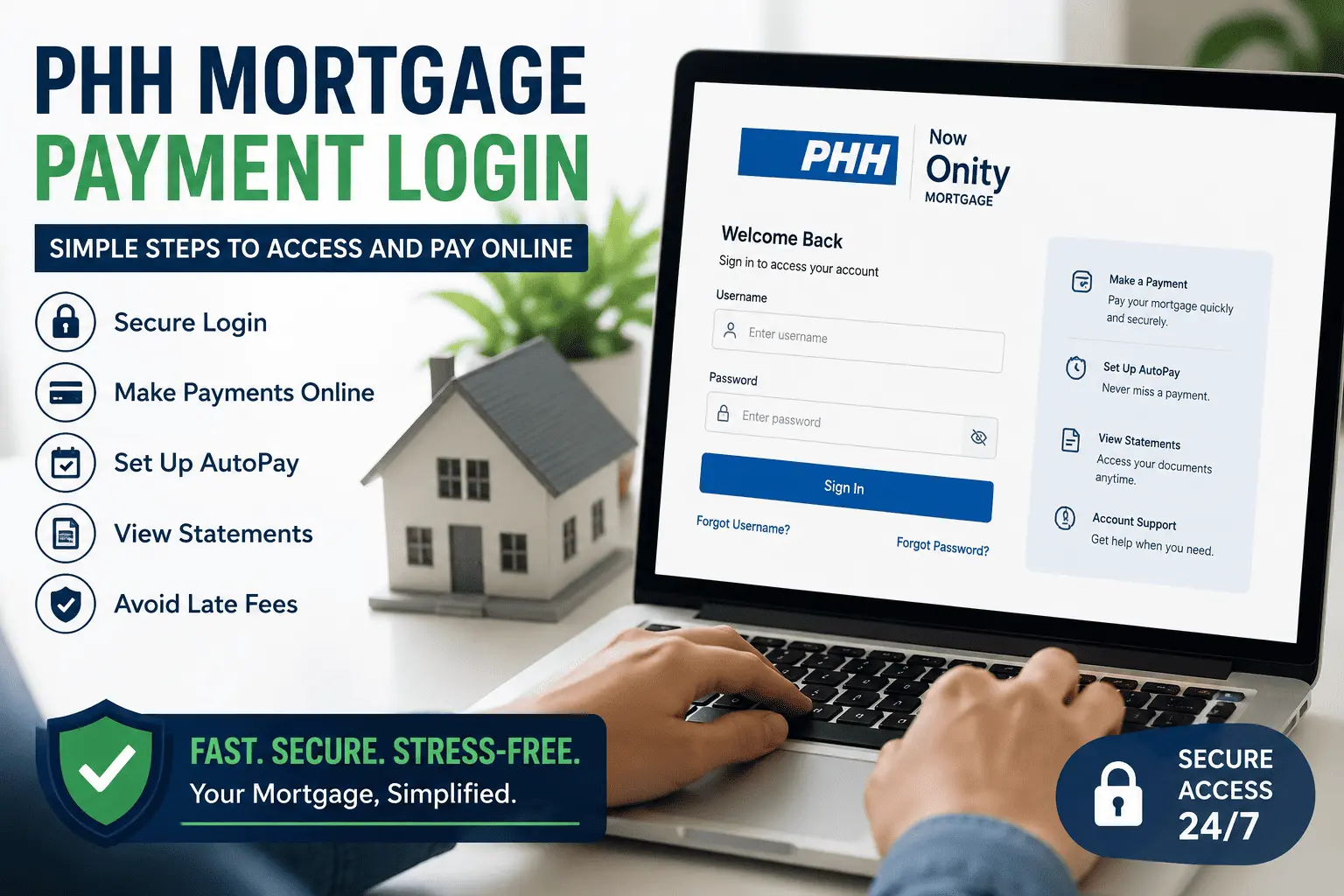
PHH Mortgage Payment Login: Simple Steps to Access and Pay Online
Paying your mortgage should take two minutes, not twenty. Yet many PHH borrowers end up stuck on the wrong website, staring at a login page that will not accept their password. Some even worry their payment will post late because of it. If that sounds like your situation, you are not alone.
This guide fixes that problem for good. Below, you will find the exact phh mortgage payment login steps, the official website to use, every way to pay, and quick fixes when the login fails. By the end, you will know exactly where to sign in and how to pay on time, every time.
What Is the PHH Mortgage Login Portal?
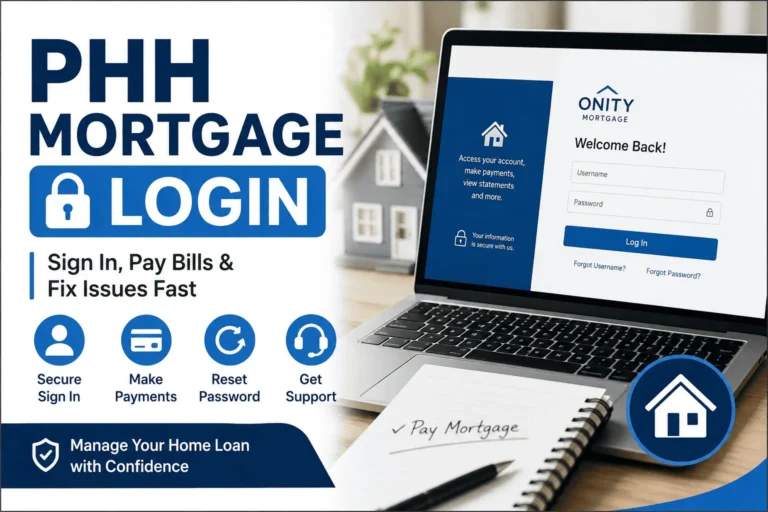
MortgageQuestions.com is the official PHH Mortgage login portal. Borrowers sign in there to view their loan, make payments, set up Autopay, and download statements. It works on any browser and also has a free mobile app.
Be careful with lookalike websites. Several unofficial sites copy the MortgageQuestions name and design to attract clicks. Only type mortgagequestions.com directly into your browser. Never enter your loan number or Social Security details on any other site.
Once you sign in, your dashboard shows your loan balance, payment due date, escrow details, and payment history. You can also request a payoff quote, update your contact details, and go paperless. For a full breakdown of every account feature, see this PHH Mortgage services complete guide.
PHH Mortgage Is Now Onity Mortgage: Does Your Login Change?
PHH Mortgage changed its name to Onity Mortgage. This is only a rebrand, not a transfer of your loan. Your loan terms, payment amount, and due date stay exactly the same.
Your login does not change either. You still sign in at MortgageQuestions.com with the same username and password. The company name on your statements may now say Onity, but the portal and your account work just like before. There is nothing you need to update on your end.
If you see both names on letters or emails, do not panic. PHH and Onity are the same loan servicer, so any official notice from either name applies to your account.
How to Log In to Your PHH Mortgage Account
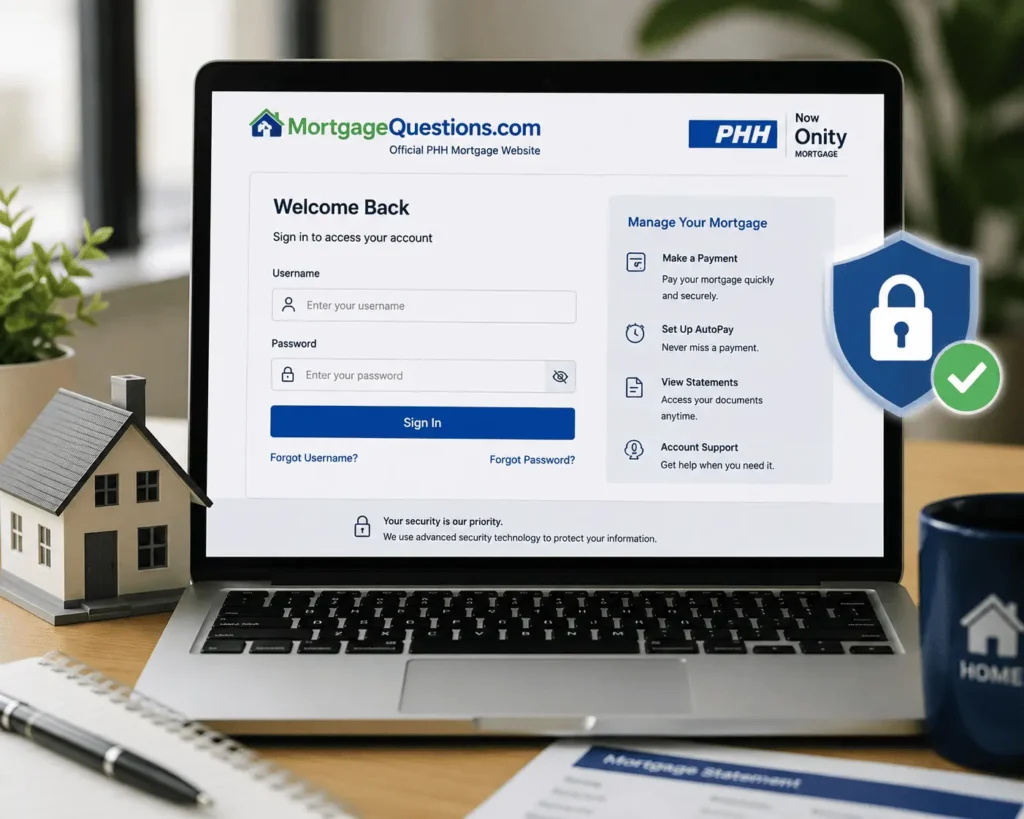
You can sign in two ways. Both connect to the same account, so pick whichever feels easier.
Login on the MortgageQuestions Website
Signing in on the website takes less than a minute. Follow these steps:
- Go to mortgagequestions.com in your browser.
- Click the Sign In button at the top of the page.
- Enter your username and password.
- Complete any security check if asked.
- You will land on your account dashboard.
From the dashboard, select the Payment tile to pay your bill. You can also check statements, taxes, and insurance details. If you manage more than one loan, you can switch between them after signing in.
Login on the MortgageQuestions Mobile App
The MortgageQuestions (MQ) app is free on the App Store and Google Play. Download it, open the app, and sign in with the same username and password you use on the website. New users can also register directly inside the app.
The app lets you make one-time payments, enroll in Autopay, and receive payment alerts. Many borrowers find the app faster than the website, especially on a phone. It is also a handy backup if the website ever gives you trouble on a busy day.
How to Register for PHH Mortgage Online Access (First-Time Users)
New to the portal? You need to create an account before you can pay online. Keep your loan documents nearby, then follow these steps:
- Visit mortgagequestions.com and click Register or New Account Creation.
- Enter your loan number from your welcome letter or statement.
- Provide your Social Security number and the property ZIP code.
- Create a username and a strong password.
- Verify your email, then sign in.
Registration takes about five minutes. After that, your full PHH mortgage account is open online anytime, day or night. Pick a password you have never used on another site, since your home loan deserves the strongest protection you can give it.
One more tip for new borrowers. If your loan was just transferred to PHH, wait for your welcome letter before registering. That letter contains your new loan number, and the old number from your previous servicer will not work here.
How to Make a PHH Mortgage Payment Online
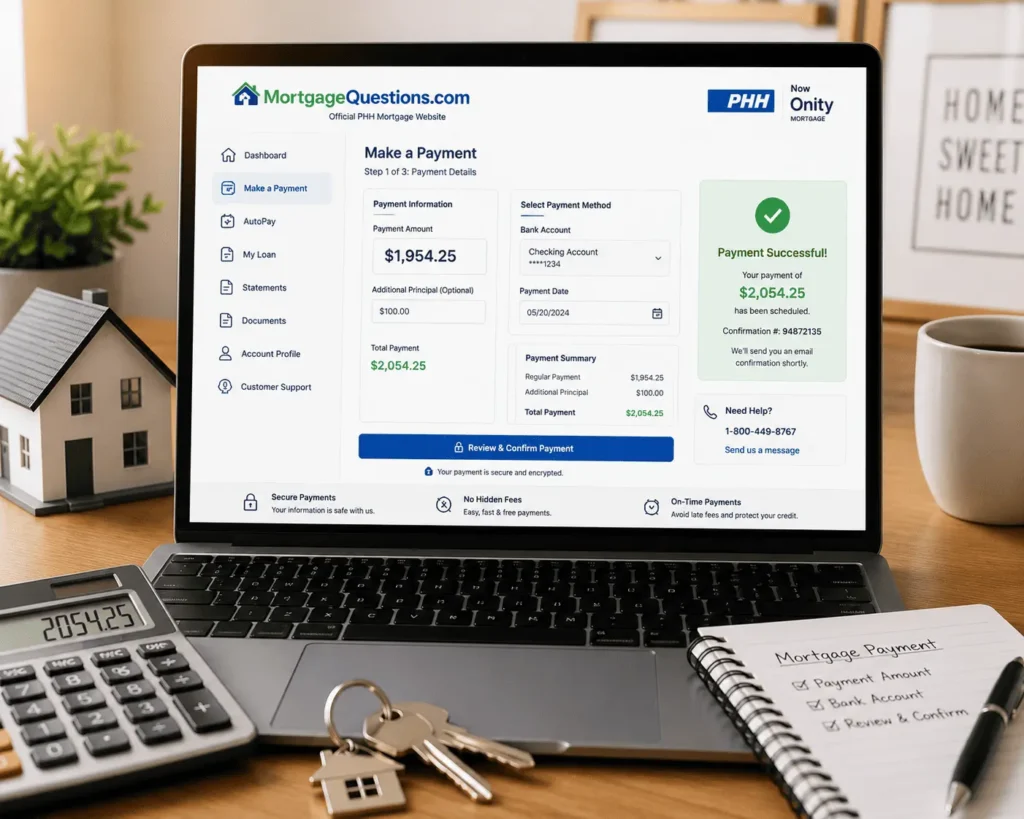
Paying online is free and fast. After the phh mortgage payment login, follow this simple path:
- Select the Payment tile on your dashboard.
- Choose Monthly Payment.
- Add extra money toward principal or escrow if you want.
- Pick your bank account and confirm the amount.
- Submit and save your confirmation number.
Timing matters here. Payments processed by 11:59 pm Eastern Time on a business day post the same day. Payments made on weekends or holidays post the next business day. So even a late-evening payment can still count as on time.
Paying a little extra toward principal each month is a smart habit. It shrinks your balance faster and cuts the total interest you pay over the life of the loan. Even fifty extra dollars a month can save thousands over a 30-year term.
Other Ways to Pay Your PHH Mortgage
The online portal is not your only option. PHH offers several payment methods, and most of them are completely free. Choose the one that fits your routine best.
Set Up Autopay (Monthly, Biweekly, or Twice-a-Month)
Autopay is a free service that drafts your payment from your bank account automatically. You choose the draft date, and the payment goes out on that same date every month. No reminders, no late fees, no stress.
You can pick monthly, biweekly, or twice-a-month drafts. Biweekly payments are popular because they add up to one extra payment per year. That extra payment pays down your loan faster without much effort.
Just make sure your bank account has enough funds before each draft date. If a draft fails, you may face returned item charges, and repeated failures can end your Autopay enrollment.
Pay by Phone at 1-800-449-8767
Call 1-800-449-8767 and follow the automated prompts to pay for free, 24 hours a day. The automated system works just like the website and posts payments the same way.
You can also speak with an agent to make a payment. Keep in mind that agent-assisted payments may carry a processing fee. The automated line and online portal stay free, so use those when you can.
Pay by Mail (Check or Money Order)
Prefer paper? Mail a check or money order payable to PHH Mortgage to this address:
PHH Mortgage, P.O. Box 660093, Dallas, TX 75266-0093
Include your payment coupon and write your loan number on the check. Mail it 5 to 7 business days before the due date so it arrives on time. If you use your bank’s bill pay service instead, allow extra time too, because those payments do not always post the same day they are sent.
PHH Mortgage Payment Fees, Grace Period, and Late Charges
Most payment methods cost nothing. Knowing which ones are free helps you avoid charges you never needed to pay. Here is a quick comparison:
| Payment Method | Fee | Best For |
|---|---|---|
| Online (website or app) | Free | Everyday payments |
| Autopay (bank draft) | Free | Never missing a due date |
| Automated phone system | Free | Quick payments without internet |
| Agent-assisted phone payment | Possible fee | Help with a complex payment |
| Mail (check or money order) | Free | Borrowers who prefer paper |
Late fees are the real cost to avoid. If your payment arrives after the grace period, PHH can charge a late fee between 2% and 6% of your payment amount. Your exact grace period and fee are listed in your mortgage Note and on your monthly statement, so check there for your numbers.
Most loans give a grace period of around 15 days after the due date. Still, never treat the grace period as your real deadline. Payments more than 30 days late can also hurt your credit score, and Autopay remains the easiest shield against both problems.
PHH Mortgage Login Not Working? How to Fix It
Login problems usually have simple causes. Here are the two most common ones and how to solve each.
Forgot Your Username or Password
Click Forgot Username or Forgot Password on the sign-in page. Enter your email or loan details, and the system sends a reset link. Follow the link, create a new password, and sign in again.
If the page still will not load, clear your browser cache or try a different browser. Some users find that switching from desktop to the mobile app solves the problem instantly. Repeated failed attempts can lock your account, so reset early instead of guessing.
Loan Transferred to Newrez? Use the Newrez Login
Some PHH and Onity loans have been transferred to Newrez for servicing. If your MortgageQuestions login suddenly stops working, this could be why. Check your mail for a transfer notice, because servicers must tell you in writing before a transfer.
If your loan moved, sign in at newrez.com instead and create an account there. For transfer questions, call Newrez at 1-866-317-2347. Your loan terms do not change in a transfer, only the company collecting your payment.
PHH Mortgage Customer Service for Login and Payment Help
Sometimes you just need a real person. The PHH Customer Care Team is available at 1-800-449-8767 for payment questions, account issues, and Autopay changes. A separate web support team helps with website and app login problems.
Before calling, keep your loan number and property ZIP code ready. This speeds up identity checks and gets you answers faster. Calling early in the morning on weekdays usually means shorter hold times too.
For more sign-in details and screenshots, this PHH Mortgage login guide walks through the process step by step. You can also email our team at james@allthings-mortgage.com with general mortgage questions.
Conclusion
We promised you a clear path to sign in and pay without stress, and now you have it. The phh mortgage payment login lives at MortgageQuestions.com, payments post the same day until 11:59 pm ET, and Autopay keeps late fees away for good. If the login ever fails, a password reset or a quick Newrez check solves it in minutes. Bookmark the official portal today, and paying your mortgage becomes the easiest task on your list.
Frequently Asked Questions
What website do I use for the PHH mortgage payment login?
Use MortgageQuestions.com, the official portal for PHH and Onity borrowers. Sign in with your username and password to make payments, view statements, request documents, and manage Autopay. Avoid lookalike websites, and never share your personal loan details on unofficial pages.
Is PHH Mortgage the same as Onity Mortgage?
Yes. PHH Mortgage changed its name to Onity Mortgage as part of a company rebrand. Your loan terms, payment amount, and due date all stay exactly the same. You still sign in at MortgageQuestions.com using your existing username and password.
Can I pay my PHH mortgage without logging in?
Yes. Call the automated phone line at 1-800-449-8767 anytime to make a free payment without signing in online. You can also mail a check or money order with your loan number to PHH Mortgage, P.O. Box 660093, Dallas, TX 75266-0093.
What is the PHH Mortgage payment phone number?
The PHH Mortgage payment phone number is 1-800-449-8767. The automated system accepts free payments 24 hours a day, 7 days a week. Agent-assisted payments are also available, though those calls may include a small extra processing fee for your transaction.
Does PHH Mortgage charge a fee for online payments?
No. Payments made on the website, mobile app, or automated phone system are completely free. Autopay bank drafts cost nothing either. Only agent-assisted phone payments may carry a fee, so using the self-service options always saves you the most money.
What happens if I miss the PHH mortgage grace period?
A late fee applies, usually between 2% and 6% of your monthly payment amount. Your exact fee and grace period appear in your mortgage Note and monthly statement. Enrolling in free Autopay is the easiest way to avoid late charges.
What if I can’t afford my PHH mortgage payment?
Contact PHH right away at 1-800-449-8767 and ask about available hardship help. You may qualify for a repayment plan, loan modification, or temporary forbearance. Acting early always gives you more options and helps protect your home from possible foreclosure.