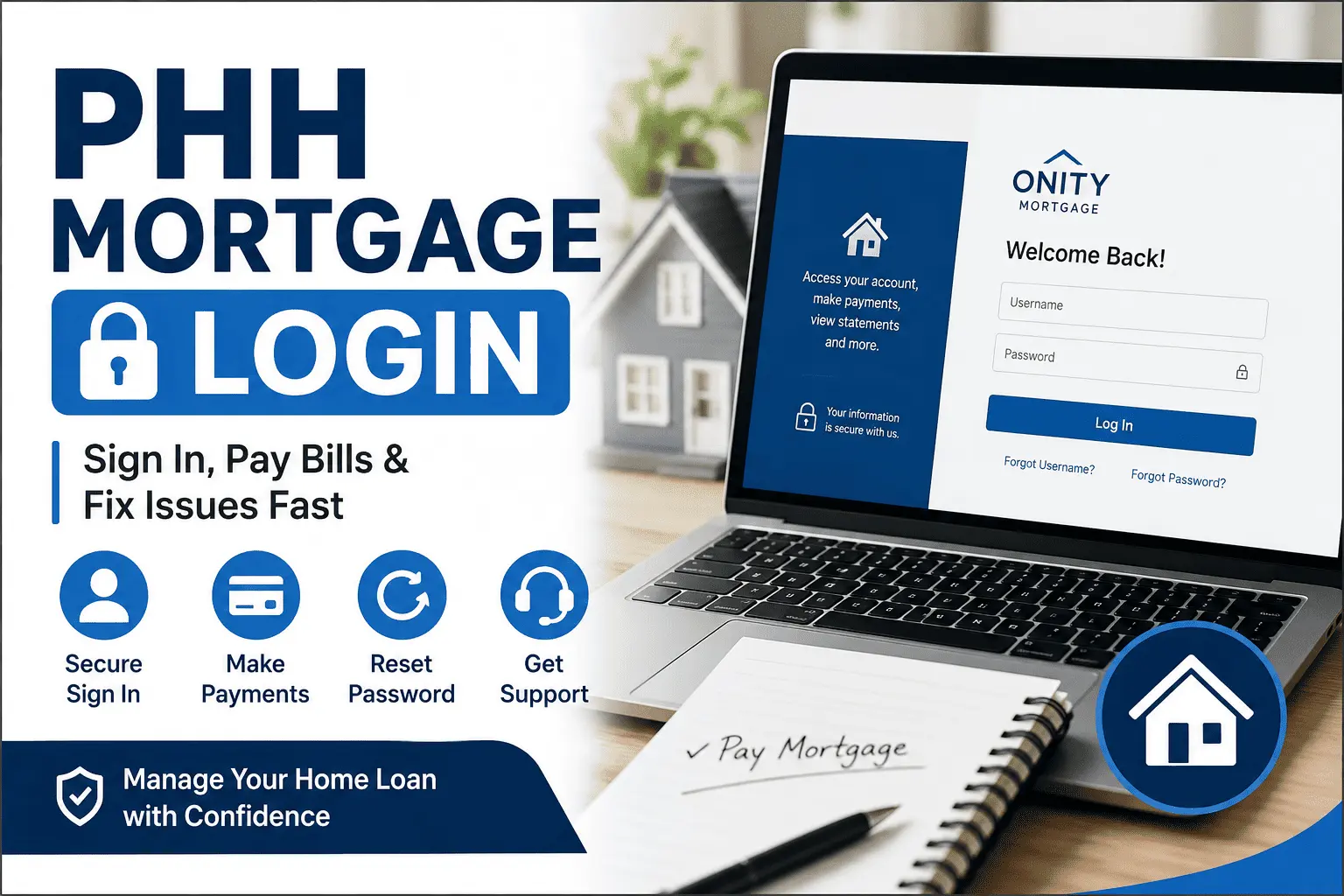
PHH Mortgage Login Made Easy: Access, Payments & Account Help
Paying your home loan should be simple. But many borrowers get stuck before they even reach the payment page. Maybe the website looks different now. Maybe your old password stopped working, or you heard the company changed its name and you are not sure where to go.
This guide clears up all of that confusion in one place. You will learn the exact phh mortgage login steps, how to recover your account, and what changed after the Onity rebrand. By the end, you will know how to sign in, pay your bill, and fix any login error without calling support. Let’s get started.
What Is the MortgageQuestions Login Portal?
MortgageQuestions.com is the official online portal for PHH Mortgage borrowers. It is the website where you sign in to view your loan balance, make payments, and download statements. PHH built this portal so homeowners could manage everything from one secure dashboard.
The portal works on any device with a browser. You can also use the MortgageQuestions mobile app on your phone. Both use the same username and password, so you only need one account. If you want to learn more about the company itself, check this complete guide on PHH Mortgage services.
PHH Mortgage Is Now Onity Mortgage: Does Your Login Change?
PHH Mortgage has officially changed its name to Onity Mortgage. This is only a rebrand, not a new company. Your loan terms, your servicer, and your account all stay the same.
Here is the best part. You do not need to register again. If you had an account before the name change, your username and password still work. The portal itself confirms this on its login page.
So do not panic if you see the Onity name on your statements or emails. Your phh mortgage account is safe and active. Just sign in the same way you always did.
Was Your Loan Transferred to Newrez? Where to Log In Now
Some PHH loans were moved to a company called Newrez. If your loan was transferred, you got a letter in the mail about it. In that case, MortgageQuestions.com will no longer show your loan.
Transferred borrowers must create an account at Newrez.com instead. You can call Newrez at 1-866-317-2347 if you need help setting it up. Not sure if your loan moved? Check your latest mortgage statement, because it always names your current servicer.
PHH Mortgage Login Steps
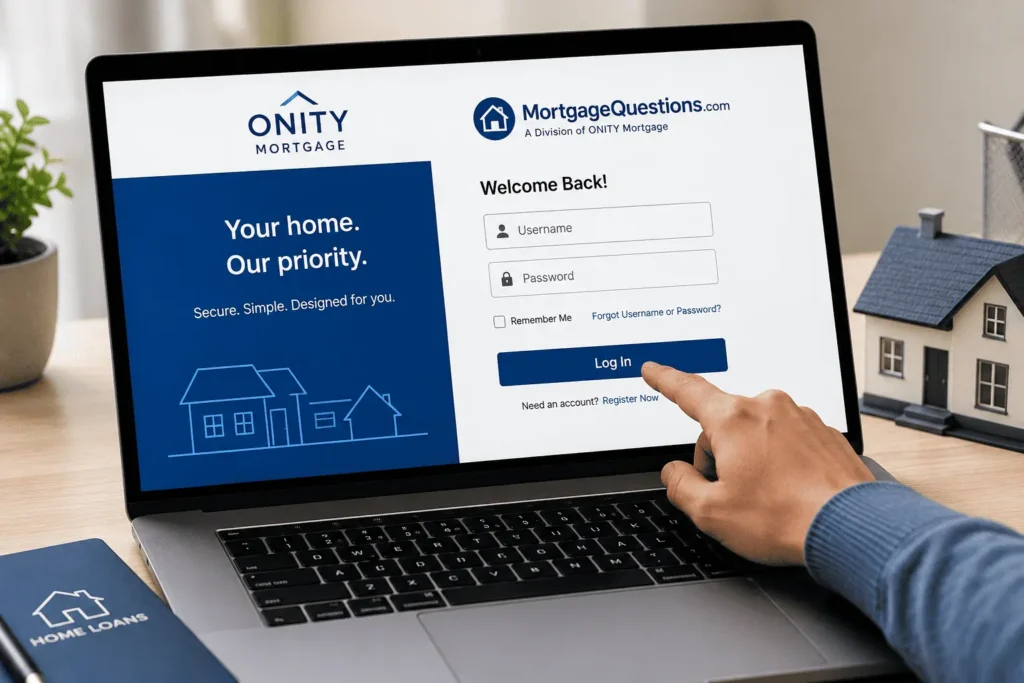
Signing in takes less than a minute when you know the steps. Follow this simple process for a smooth phh mortgage login every time:
- Open your browser
- Click the Sign In button at the top of the page
- Enter your username in the first box
- Type your password in the second box
- Click Log In to open your dashboard
Once inside, you will land on your account dashboard. It shows your loan balance, next due date, and payment options. Keep your details private and never share them with anyone.
If you signed up before the Onity name change, nothing is different for you. The same details open the same dashboard. Bookmark the page so you can reach it fast next time.
How to Create a New PHH Mortgage Account
New borrowers need to register before they can sign in. The process is free and takes about five minutes. Keep your loan number and Social Security number nearby before you start.
Go to MortgageQuestions.com and click Register or Create Account. Enter your loan number, the property ZIP code, and the last four digits of your SSN. The system uses these details to match you with your loan.
Next, create a username and a strong password. Add your email address so the portal can send you alerts. Confirm your details, and your account is ready to use right away.
Your loan number is printed on your welcome letter and monthly statement. If you cannot find it, customer service can share it after checking your identity. Never guess the number, because the system needs an exact match.
Forgot Your PHH Mortgage Username or Password?
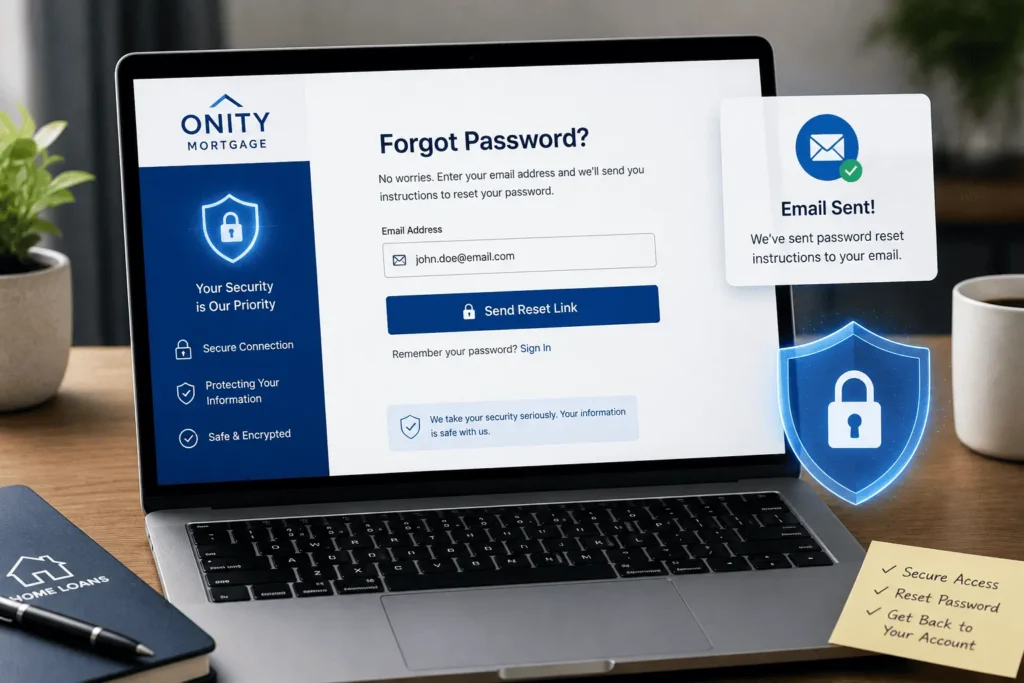
Login details slip from memory all the time, and that is okay. The portal has separate recovery tools for usernames and passwords. Both take just a few minutes.
How to Recover Your Username
Click the Forgot Username link on the login page. Enter your registered email address and your loan details. The system will send your username to your email inbox.
Check your spam folder if the email does not show up fast. Once you have your username, return to the login page and sign in. Save it somewhere safe this time.
How to Reset Your Password
Click Forgot Password on the sign-in page. Type your username and registered email, then submit the form. A password reset link will arrive in your email.
Open the link and create a new password. Use a mix of letters, numbers, and symbols to keep it strong. After the reset, you can sign in right away with the new password.
MortgageQuestions App Login for Android and iPhone
The MortgageQuestions app, often called the MQ app, puts your loan in your pocket. It is free on the Google Play Store and the Apple App Store. The app was recently redesigned, so it looks cleaner and runs faster now.
The phh mortgage login process in the app matches the website. Download the app, open it, and enter the same username and password you use online. New users can even register inside the app itself.
The app sends payment alerts so you never miss a due date. You can also turn on fingerprint or face unlock for faster access. This makes checking your loan on the go quick and safe.
How to Pay Your PHH Mortgage After Login
Paying online is the fastest way to handle your monthly bill. Once you sign in, the payment tools sit right on your dashboard. You can pay one time or set payments to run on their own. Keep in mind that every lender has its own payment system, so a Flat Branch Mortgage payment works through a different portal than PHH.
Make a One-Time Online Payment
Sign in and choose the Payment tile on your dashboard. Select Monthly Payment and pick your bank account. You can also add extra money toward your principal or escrow if you want.
Review the amount and confirm the payment. The portal shows a confirmation number when it goes through. Save that number for your records.
Set Up AutoPay for Monthly Payments
AutoPay pulls your payment from your bank account each month. You never have to remember the due date again. It also protects you from late fees.
Inside your account, open the payment section and choose AutoPay enrollment. Link your bank account and pick your draft date. Once active, your mortgage gets paid on time every single month.
What You Can Do Inside Your PHH Mortgage Account
Your online account does much more than accept payments. It works like a full control center for your home loan. Here is what you can manage after signing in:
- View your loan balance, interest rate, and payment history
- Download monthly statements and yearly tax forms
- Check your escrow account for taxes and insurance
- Send secure messages and documents to the support team
- Go paperless to get documents faster and safer
- Update your contact details like phone and email
The Secure Message Center is very useful. You can find it under Account Management, then Messages. It lets you ask questions without waiting on hold.
Going paperless is also worth a look. Your documents arrive faster, and they stay safe behind your password. It also keeps your mailbox free of papers that could get lost.
PHH Mortgage Login Problems and Quick Fixes
Login errors happen, but most have easy fixes. The table below covers the most common phh mortgage login problems and what to do about each one.
| Problem | Quick Fix |
|---|---|
| Wrong password error | Use the Forgot Password link to reset it |
| Account locked | Wait 30 minutes or call customer support to unlock |
| Page will not load | Clear your browser cache or try another browser |
| App keeps crashing | Update the MQ app to the latest version |
| Loan not showing | Your loan may have moved to Newrez, so check your statement |
| No reset email | Look in your spam folder and confirm your email on file |
Too many wrong password tries will lock your account. This is a safety feature, not a glitch. If nothing works, the support team can fix the issue over the phone.
Your browser can also cause sign-in trouble. The portal works best on an updated version of Chrome, Safari, Edge, or Firefox. Make sure cookies are enabled, because the login page needs them to work. If the page still acts up, try a private window or a different device. Every mortgage servicer runs its own separate portal. So if you also have a loan with another lender, like Flat Branch Mortgage login, you will need a separate account for that one.
PHH Mortgage Customer Service Numbers
Sometimes you just need to talk to a real person. The support team can unlock accounts, explain payments, and update your details. Keep these numbers handy.
Call PHH (now Onity) customer service at 1-800-210-8849 for account help. If your loan moved to Newrez, call 1-866-317-2347 instead. Phone lines are open on business days, and wait times are shortest in the morning. Have a question about this guide itself? You can reach out anytime at james@allthings-mortgage.com. We try to reply to every reader within a few business days.
You can also use the Secure Message Center after a phh mortgage login on the portal. It is great for sending documents or asking non-urgent questions. Most messages get a reply within a few business days. Phone support is open Monday through Friday during normal business hours. If you prefer mail, you can send payments to the address printed on your monthly statement. Always write your loan number on the check so it posts to the right account. Calling early on a weekday morning usually means little to no hold time.
Conclusion
At the start, we promised to clear up every doubt about the phh mortgage login process, and now you have the full picture. You know how to sign in, create an account, recover lost details, and pay your bill online. You also learned what the Onity name change means and where to go if your loan moved to Newrez. Bookmark MortgageQuestions.com today, and managing your home loan will never feel confusing again.
Frequently Asked Questions
Why is my PHH Mortgage account locked?
Your account locks after too many failed sign-in attempts. This is a security step to protect your loan details. Wait about 30 minutes and try again, or call customer service at 1-800-210-8849 to unlock it faster.
Can I pay my PHH mortgage without signing in?
Yes, you can pay without an online account. PHH accepts payments by phone, by mail, and through your own bank’s bill pay service. However, signing in online is the fastest way and gives you instant payment confirmation.
Does the Onity name change affect my loan terms?
No, your loan terms stay exactly the same. The switch from PHH to Onity is only a brand name change. Your interest rate, balance, due date, and payment address do not change at all. No action is needed.
How do I know if my loan moved to Newrez?
Check your most recent mortgage statement, because it always names your current servicer. Transferred borrowers also receive an official letter by mail. If Newrez is your new servicer, manage your loan at Newrez.com instead of MortgageQuestions.com.
Is the MortgageQuestions app free to use?
Yes, the MortgageQuestions app is completely free. You can download it from the Google Play Store or the Apple App Store. There are no fees for checking your balance, viewing statements, or making payments through the app.