Unlock Your PHH Reverse Mortgage Account in Just Minutes
Last month, a reader sent me a message that said something like — “I went to log in and the whole website looked different. Did they shut down my account?” That exact worry hits thousands of reverse mortgage borrowers every single week. If you sat down to access your account and felt lost, confused, or even a little panicked, that feeling makes complete sense. The good news is your account is safe, your loan is active, and this guide will walk you through every step of the PHH reverse mortgage login process — from finding the right portal to fixing login errors — so you never feel stuck again.
Stick with this page and you will know exactly where to log in, how to register if you are new, what changed after the company rebrand, and how to handle any issue that blocks your access.
PHH Reverse Mortgage Is Now Onity Mortgage — What You Need to Know
Before anything else, let’s clear up the biggest source of confusion for reverse mortgage borrowers right now.
Why PHH Mortgage Changed Its Name to Onity Mortgage
PHH Mortgage went through a corporate rebrand and officially became Onity Mortgage. This was a business-level name change, not a transfer or sale of your loan. The servicing team, the portals, and your account details all stayed in place. Onity is simply the new brand name for the same company that has been servicing your reverse mortgage.
You may notice “Onity” on your statements, your emails, or your login page. That is normal. Nothing about your loan terms, balance, or servicer contact information changed because of the name update.
Does This Name Change Affect Your Login Credentials or Account?
No. Your username and password carry over exactly as they were. You do not need to create a new account, re-register, or call anyone to confirm your access. If your login worked before the rebrand, it still works today. The only difference you may notice is the Onity branding on the screen when you sign in.
Official Login Portals for PHH Reverse Mortgage Borrowers
Reverse mortgage borrowers have two separate portals. Knowing which one belongs to you saves a lot of wasted time.
myReverseAccount.com — Primary Login Portal
The main portal for most PHH reverse mortgage borrowers is myReverseAccount.com. This is where you sign in to check your loan balance, view statements, request fund advances, and manage your account settings. It is a dedicated platform built specifically for HECM and proprietary reverse mortgage loans.
Go directly to myReverseAccount.com and bookmark it. Do not try to log in through a general PHH or Onity mortgage page, because those are for forward mortgage borrowers. Using the wrong portal will just create confusion. If you are ever unsure about how your reverse mortgage differs from a traditional home loan, this guide on PHH Mortgage services gives a solid overview.
reverse.mortgagequestions.com — Onity Reverse Servicing Portal
Some PHH reverse mortgage borrowers were directed to reverse.mortgagequestions.com as an alternate access point. This portal sits under the MortgageQuestions platform, which Onity uses for broader servicing. If you originally registered through MortgageQuestions for your reverse loan, this is likely your portal.
Both portals serve the same purpose. They connect you to your reverse mortgage account details and management tools. The account credentials are portal-specific, so if you registered on one, use that same one each time.
Which Portal Is Right for You?
Check your original account registration email or your welcome letter from PHH. It will name the portal where your account was created. If you still cannot tell, try myReverseAccount.com first. If your loan number does not pull up there, try reverse.mortgagequestions.com. When neither works, call the Onity reverse mortgage support line and they will tell you exactly where your account lives.
How to Register for a PHH Reverse Mortgage Online Account
If you have never created an online account before, registration is straightforward. You just need a few pieces of information ready before you start.
What Information You Need to Register
- Your Loan Skey number (this is your reverse mortgage account identifier, different from a standard loan number)
- The property ZIP code linked to your reverse mortgage
- The last four digits of your Social Security number
- A valid email address where you can receive confirmation messages
Your Loan Skey number appears on your monthly reverse mortgage statement, your loan closing documents, and any correspondence from PHH or Onity. It is usually printed near the top of your statement next to your name and property address.
Step-by-Step Registration Process
- Go to myReverseAccount.com
- Click the Register or Create Account button on the homepage
- Enter your Loan Skey number, property ZIP code, and the last four digits of your SSN
- The system will match your details to your loan file
- Create a username that you will remember and that meets the site requirements
- Set a strong password (see requirements below)
- Enter your email address and submit the form
- Check your inbox for a confirmation email and click the link inside it
Your account is active as soon as you confirm the email. You can log in right away after that step.
Password Requirements You Must Follow
Most registration issues happen because of password rules that are easy to miss. Your password must typically:
- Be at least 8 characters long
- Include at least one uppercase letter
- Include at least one number
- Include at least one special character such as !, @, or #
- Not match your username
If your chosen password does not meet these rules, the system will reject the submission without always explaining why clearly. Read the password guidelines on the registration page carefully before you submit.
How to Log In to Your PHH Reverse Mortgage Account Step by Step
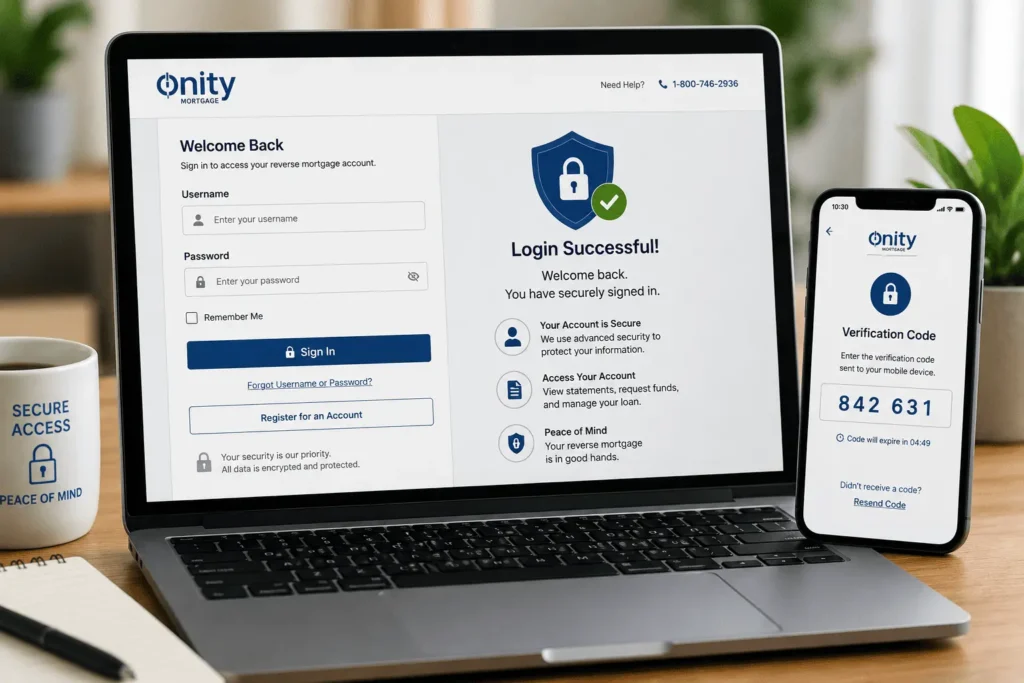
Signing in takes under a minute when you follow the right steps. Here is the full process:
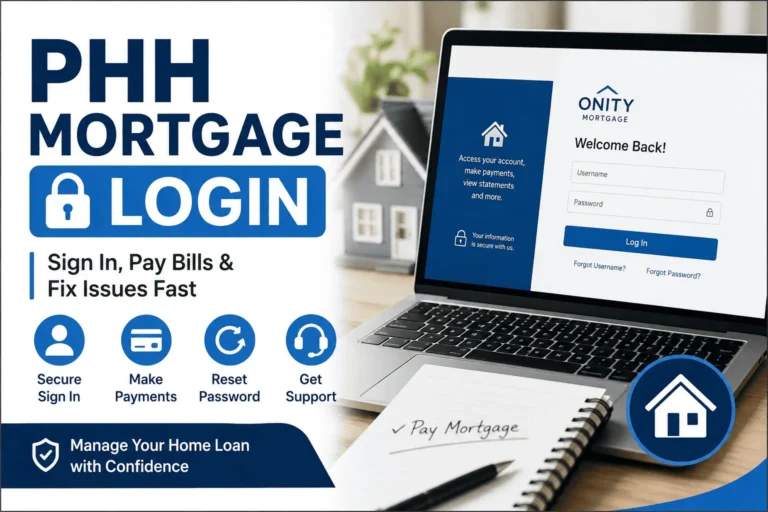
- Open your browser and go to myReverseAccount.com (or reverse.mortgagequestions.com if that is your portal)
- Enter your username in the first field
- Type your password in the second field
- Click the Log In or Sign In button
- If the site uses two-step verification, check your email or phone for a one-time code and enter it
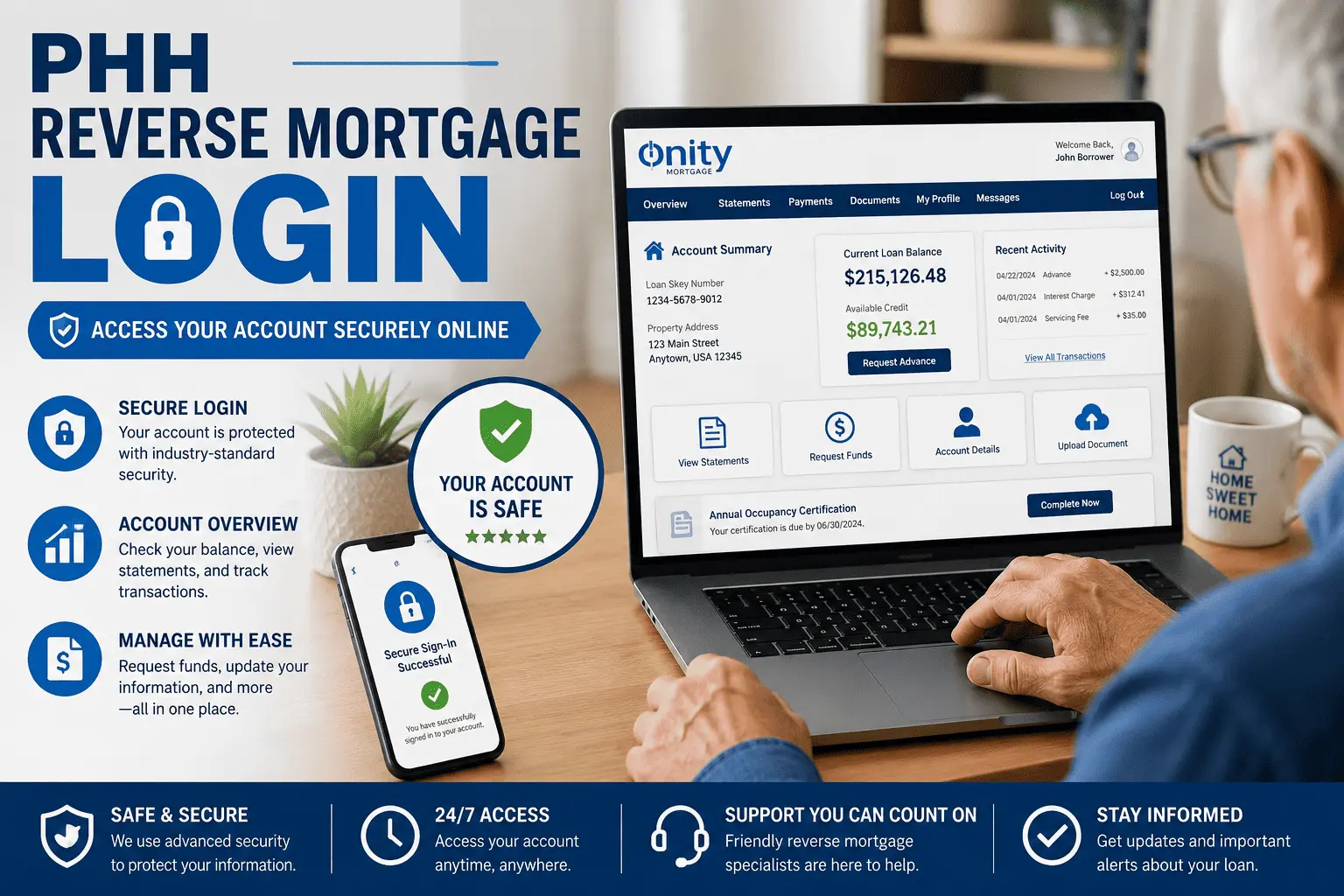
- Your account dashboard will open and display your loan summary
Once you are inside, stay on a secure, private connection. Never log in from a shared or public Wi-Fi network. Sign out completely when you are done, especially if you are on a shared device.
What You Can Do Inside Your Account Dashboard
Your reverse mortgage dashboard is a full self-service hub. You do not need to call support for most routine account tasks.
Check Your Loan Balance and Available Funds
The dashboard shows your current loan balance, your accrued interest, and the amount of funds still available to you under your credit line if your loan has one. This is especially useful for HECM borrowers with a line of credit who want to track remaining availability before requesting a draw.
View and Download Monthly Statements
Every monthly statement is stored in your account and available to download as a PDF. Statements show your loan balance, any interest added, servicing fees charged, and the mortgage insurance premium (MIP) deduction. You can pull statements going back several years directly from the document center.
Submit Advance Request Forms to Draw Funds
If your reverse mortgage includes a line of credit or a modified tenure plan, you can submit draw requests through the portal. The advance request form is under the payments or funds section of your dashboard. Fill it out, submit it online, and the funds typically process within a few business days.
Verify Transactions and Payment History
Your transaction history logs every event on your loan — draws, fee charges, MIP additions, interest accruals, and any manual payments. Review this section regularly so you understand what is happening on your balance and can catch anything that looks off.
Update Your Email, Password, and Security Questions
Account management settings let you change your email address, reset your password, and update your security questions. Keeping this information current is important because the portal uses your email for password recovery and important loan notifications.
PHH Reverse Mortgage Login Problems and How to Fix Them
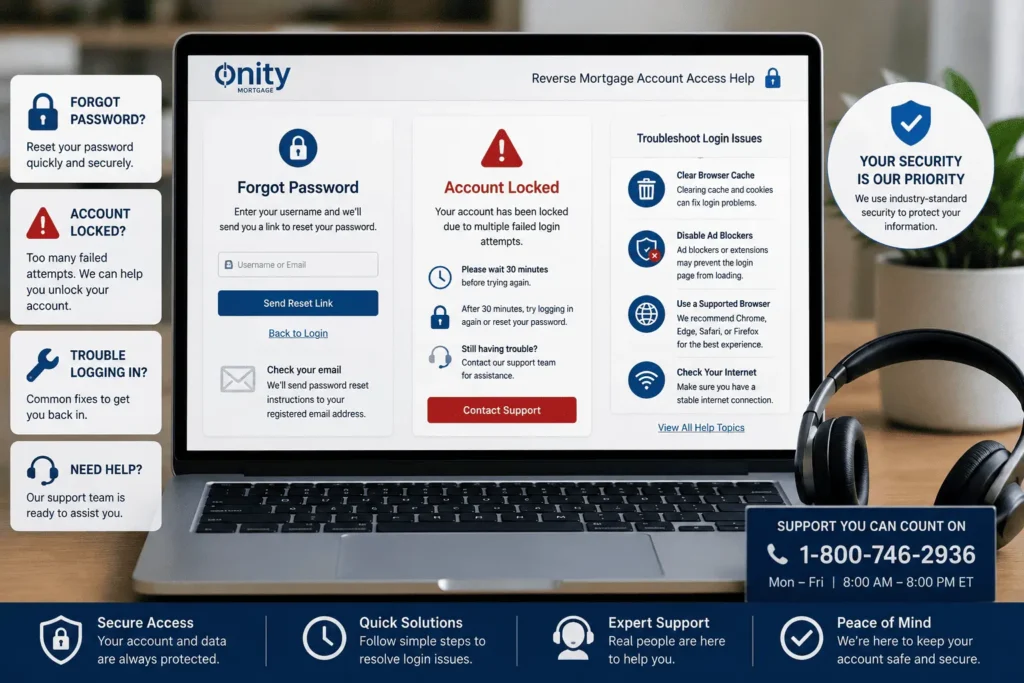
Most login issues have a simple fix. Work through these one at a time.
How to Reset a Forgotten Password
Click the Forgot Password link directly on the login page. Enter your username and the email address on your account. A reset link will arrive in your inbox within a few minutes. Click that link, create a new password that meets the site requirements, and then sign in with the updated credentials. Check your spam or junk folder if the email does not appear.
How to Recover a Forgotten Username
Click Forgot Username on the sign-in page. You will need to provide your registered email address and your Loan Skey number to verify your identity. The system will send your username to your email. Once you have it, return to the login page and sign in normally.
Account Locked After Too Many Failed Login Attempts
The portal locks your account after several wrong password attempts. This is a security feature. Wait at least 30 minutes, then try again with the correct password. If your account remains locked, call Onity reverse mortgage support to have the lock manually removed. Do not keep guessing — additional failed attempts can extend the lockout period.
Browser Issues Blocking Login (Cache, Cookies, Ad Blockers)
Your browser stores old data that can interfere with the login page. Clear your browser cache and cookies, then reload the site and try again. If you use an ad blocker or a privacy extension, disable it temporarily for the portal — these tools sometimes block session cookies the login page needs to function. The portal works best on updated versions of Chrome, Edge, Safari, or Firefox.
Login Not Working After PHH Became Onity Mortgage
If your login stopped working around the time of the rebrand, the fix is usually simple. Go directly to myReverseAccount.com and type in your existing username and password. The rebrand did not reset credentials. If you were navigating through an old bookmark that pointed to a PHH-branded URL, update that bookmark to the current portal address. If you still cannot get in, use the Forgot Password tool to set a fresh password and try again.
PHH Reverse Mortgage Mobile App — Manage Your Account Anywhere
Reverse mortgage borrowers who want account access on the go can use the Onity mobile app or the MortgageQuestions app, depending on which portal your account sits on.
How to Download and Set Up the App on iOS and Android
Search for “MortgageQuestions” or “Onity Mortgage” in the Apple App Store or Google Play Store. Download the official app from the verified publisher. Open it, tap Sign In, and enter the same username and password you use on the desktop portal. New users can also complete registration directly inside the app if they prefer. For forward mortgage borrowers managing a separate loan alongside their reverse mortgage, the PHH Mortgage login process for that account runs through a different portal entirely.
What You Can Do on the App vs. the Desktop Portal
| Feature | Mobile App | Desktop Portal |
|---|---|---|
| View loan balance | ✓ | ✓ |
| Download statements | ✓ | ✓ |
| Submit advance requests | Limited | Full access |
| Update account settings | Basic | Full access |
| Payment alerts and notifications | ✓ | ✗ |
| Biometric login (Face ID / fingerprint) | ✓ | ✗ |
| Upload documents | ✓ | ✓ |
The desktop portal gives you the most complete set of tools. Use the app for quick balance checks, alerts, and on-the-go access. Use the desktop for anything that requires filling out forms or downloading documents for records.
Key Account Responsibilities You Can Track Through the Portal
Reverse mortgage borrowers have ongoing obligations to keep their loan in good standing. The portal helps you stay on top of both.
Annual Occupancy Certificate — Completing It Online
Every year, your reverse mortgage servicer requires you to confirm that you still live in the home as your primary residence. This is called the annual occupancy certification. PHH / Onity sends this form by mail and sometimes by email. You can complete and return it through the portal in the documents or forms section. Missing this step can trigger a loan default notice, so watch for it and respond promptly.
Monitoring Your Servicing Fee Set Aside and MIP on Statements
Two charges appear on every reverse mortgage statement: the monthly servicing fee and the mortgage insurance premium (MIP). The servicing fee is typically $30 to $35 per month and is drawn from a set-aside portion of your loan proceeds. The MIP accrues monthly based on your outstanding balance. Neither is paid out of pocket — both are added to your loan balance — but reviewing them on your statement each month helps you understand how your balance grows over time.
PHH / Onity Reverse Mortgage Customer Support
Sometimes the portal cannot replace a direct conversation with a knowledgeable representative.
Phone, Email, and Mailing Address
- Reverse Mortgage Servicing Phone: 1-800-746-2936 (PHH / Onity reverse mortgage line)
- General Onity Servicing: 1-800-210-8849
- Email inquiries: james@allthings-mortgage.com
- Mailing address: Check your most recent monthly statement for the current servicer mailing address, as this can vary by loan type
For any question about this guide or your account access, you can also reach out at james@allthings-mortgage.com and expect a reply within a few business days.
Hours of Operation and How to Escalate a Complaint
Phone support is available Monday through Friday during standard business hours. Wait times are shortest in the early morning. If you have an unresolved issue after speaking with a front-line representative, ask to speak with a senior servicing specialist. You can also submit a formal complaint through the Consumer Financial Protection Bureau (CFPB) at consumerfinance.gov if your issue is not resolved at the servicer level.
Conclusion
Right at the beginning, we said this guide would solve every question you have about accessing your account — and that promise is now fully delivered. You know the right portal to use, how to register from scratch, how to complete the PHH reverse mortgage login step by step, and what to do when something goes wrong. You also understand what the Onity rebrand actually means and why your account was never in danger. Bookmark myReverseAccount.com today, keep your login details somewhere safe, and managing your reverse mortgage online will feel simple every single time.
Frequently Asked Questions
Is myReverseAccount.com the same as the PHH reverse mortgage login?
Yes. myReverseAccount.com is the official online portal where PHH reverse mortgage borrowers manage their accounts. After the rebrand to Onity Mortgage, this portal remained the primary login destination. You use the same username and password you originally created. No new registration is needed unless you have never set up an online account before.
Do I need to re-register after PHH changed its name to Onity?
No, you do not need to re-register. The rebrand from PHH to Onity Mortgage did not reset or delete any borrower accounts. Your existing login credentials continue to work exactly as they did before. Simply go to your usual portal address, enter your username and password, and your account will open normally.
Where do I find my Loan Skey number for registration?
Your Loan Skey number is printed on your monthly reverse mortgage statement, typically near the top alongside your name and property address. It also appears in your original loan closing documents and in correspondence letters from PHH or Onity. If you cannot locate it, call Onity reverse mortgage support and they can provide it after verifying your identity.
Can I log in to my reverse mortgage account on my phone?
Yes. Download the MortgageQuestions or Onity Mortgage app from the Apple App Store or Google Play Store. Sign in with the same username and password you use on the desktop portal. The app supports biometric login such as Face ID or fingerprint unlock for faster, more secure access on your device.
How do I change the email address on my portal account?
Log in to your account and go to the account settings or profile section of your dashboard. Look for the option to update your contact information and enter your new email address there. You may receive a verification email to the new address to confirm the change. Keeping your email current is important because the portal sends password reset links and loan notifications to that address.

![PHH Mortgage Services: Complete Guide [2026]](https://indianamortgagerate.com/wp-content/uploads/2026/05/phh-mortgage-services-loan-transfer-768x512.webp)